

Getting Started Vibe Coding the Right Way
How Non-Techies Can Start Vibe Coding Responsibly

Building with AI — Vibe Coding — is one of the most exciting and fast-paced shifts powered by LLMs. It’s taking over the world of building digital products. Despite the skeptics, these models are getting better by the day.
But if you’re coming into Vibe Coding for the first time, it can feel overwhelming and frustrating. Endless loops of errors keep popping up. Half-wired backends that almost look ready for production stall before running. You feel close to shipping, yet stuck in place.
Watching Vibe Coding influencers on repeat won’t help either. What looks like effortless prompting on their screen often hides the hours of tinkering, retries, and fixes that never make it to the highlight reel.
So what does help? How do you avoid the trap of half-working builds with glossy but fragile frontends that collapse the moment you push them further?
It comes down to two things:
Speaking Dev — learning the language developers use, so your prompts carry the right lingo.
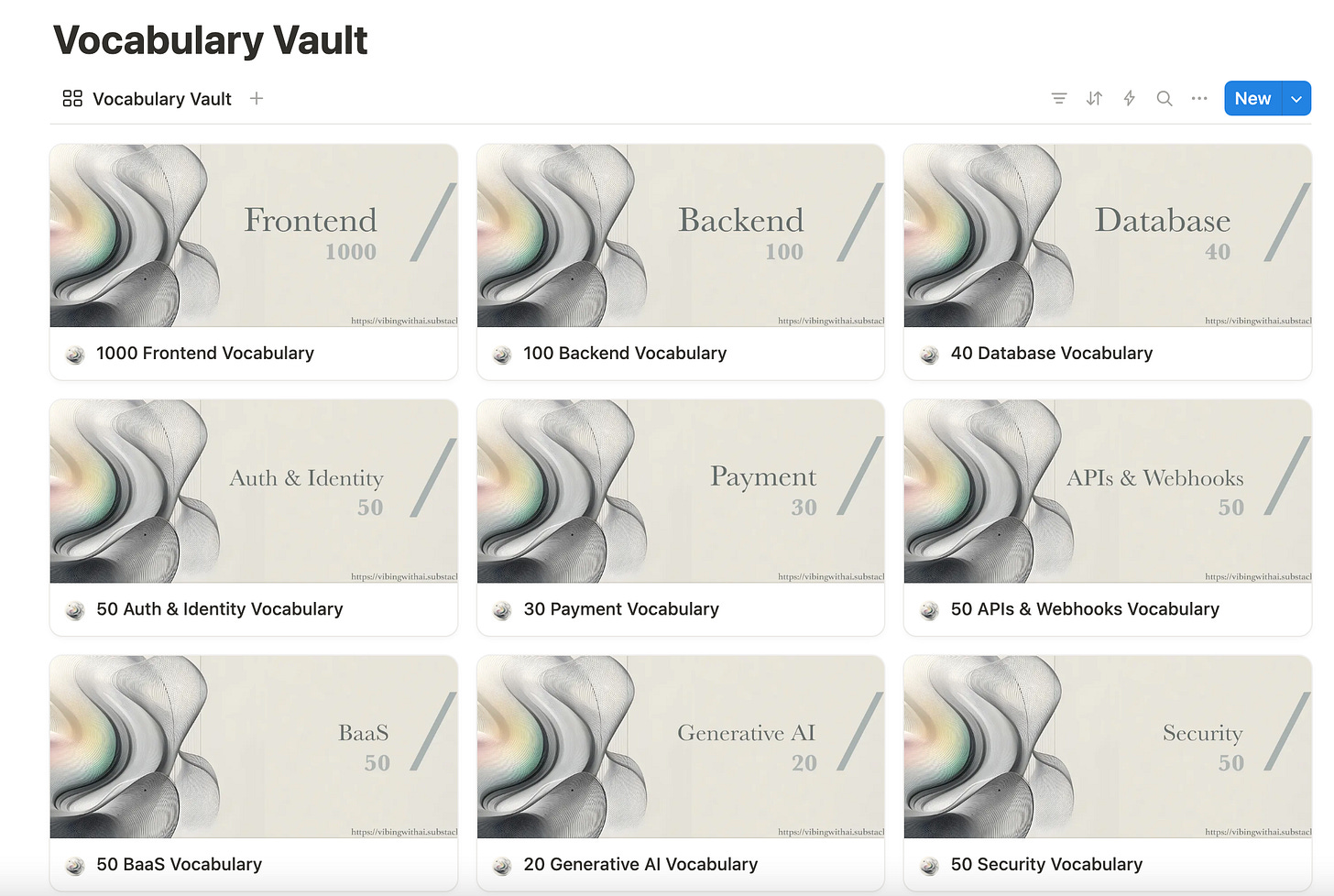
Part of the Vibe Coding Starter Kit. Thinking Like a Dev, in Scaffolds — structuring your prompts so they define a solid framework for modern apps, with all the building blocks specified layer by layer.

Part of the Vibe Coding Prompt Kit


Those two unlocks are what separate frustration from momentum. They’re also the starting point for a responsible path into Vibe Coding.
The Two Core Unlocks
The only way around those endless loops of errors and half-wired backends is to get the fundamentals right. That means starting with two skills most non-techies skip.
1. Speaking Dev
This concerns vocabulary. Developers have precise terms for parts of modern web and mobile apps: hero sections, navbars, modals, forms, toasts, API, Route, Database, .env files, and so on. If you don’t use these terms, your prompts become vague. You end up saying “a box” or “a thingy” when what you really need is “a centred CTA button with hover state.” You may find yourself confused by cryptic error messages about unmatched schemas or unresponsive endpoints.
Learning to speak Dev doesn’t mean learning to code. It means learning how to describe the pieces clearly enough so the AI can scaffold them properly. Once you start using the right lingo, your prompts stop generating slop and begin producing usable UI that is perfectly wired with the backend, so your build functions as it should.
2. Thinking Like a Dev, in Scaffolds
Speaking Dev gets you clarity. Thinking in scaffolds gives you structure.
A scaffold is the mental model developers use to break an app down into layers: UI building blocks (the small parts), vibe units (functional blocks), flows (logic), page scaffolds (full screens), and app scaffolds (the complete blueprint). When you structure your prompts this way, you stop building in blobs and start building in flows.
This is where most beginners fail. They describe features in flat, disconnected ways — “make me a form” — instead of describing the flow: “when a user submits the form, validate it, store it in the database, then show a toast confirmation.” One is vague. The other is scaffold-aware.
Together, speaking Dev and thinking in scaffolds form the literacy every non-techie needs before picking a tool. Once you have those, the choice of platform matters far less because you’ll know how to make any platform work for you.
Tools and Bridges
Once you can speak Dev and think in scaffolds, the next step is picking the right tool. This is where most beginners feel overwhelmed. There are too many choices, too much hype, and too many screenshots of perfect-looking apps claiming to be built with the killer Vibe Coding platform or tool that makes your early prototypes feel like junk.
The best way to get your feet wet is to start with CodeGen platforms. These are beginner-friendly online platforms where you describe what you want, and the AI builds it. Tools like Lovable, Bolt, Chef, v0, or Firebase Studio let you focus on describing flows and scaffolds without worrying about setup or configuration.
Think of CodeGen platforms as your first sandbox. They’re not where you’ll live forever, but they’re the safest way to understand how prompting translates into a real, running app.
Once you’ve wrapped your head around the fundamentals on a CodeGen platform, the best next step is Replit. Replit is hard to classify neatly. It’s more than a tool, but not quite the same as a full AI-assisted IDE. It feels like a middle ground — a web-based development environment that gives you control without making you install or configure anything.
Why does this matter? Because Replit lets you take what you built on a CodeGen platform and go deeper. You can import your app into Replit through GitHub, which is where developers host their code for collaboration and versioning. If you’ve never heard of GitHub, don’t worry. Here’s why it matters: it acts like a central hub, letting you move code seamlessly between tools. Both CodeGen platforms and AI IDEs integrate with it, so you can pipe your build from one end to the other smoothly.
This makes Replit the perfect bridge. It’s where non-techies can safely get the feel of an AI-assisted coding environment before stepping into the more advanced, installable AI-infused development tools like Cursor, Windsurf, Kiro, or Warp.
By the time you get to those tools, you’ll already understand scaffolds, flows, and the basics of GitHub. That preparation makes them less intimidating and more like a natural next step.
By the time you’ve reached this point, you’re no longer just tinkering. You’ve gone from CodeGen platforms to Replit to the doorstep of AI-assisted IDEs. That’s the responsible path into Vibe Coding. However, to truly appreciate why this path works, it helps to take a step back.
For nearly a decade, even traditionally trained developers have not been building everything from scratch. Even the most widely used apps from unicorn startups aren’t built from scratch. Almost all of them rely on open-source components here and there. The open-source community has already contributed significantly to most stages of digital product development. Most apps today are assembled from reusable building blocks — libraries, frameworks, and modules that handle common functionality.
And for features that demand airtight security, like payments or authentication, developers don’t reinvent the wheel either. Instead, they rely on specialized services that expose those capabilities through APIs (Application Programming Interfaces). An API is simply a way to plug into something that already works — Stripe for payments, Auth0 for login, Resend for email, and so on.
This is what makes Vibe Coding possible. The same plug-and-play architecture that powers modern software development now works hand in hand with AI. When you describe your app in scaffolds and flows, the AI knows how to wire in these services so you get something that isn’t just a demo — it’s production-ready. Sometimes it’s even scalable.
Of course, not everyone takes this path responsibly. The early wave of Vibe Coders included plenty of non-techies who shipped apps without learning to speak or think like developers. Many got hacked because they skipped basic security steps. Others built prototypes that collapsed under real-world use.

But there’s another group: non-techies who took the time to learn Dev vocabulary and scaffolds. They built responsibly, and some even secured funding for their startups.


And then there are the traditionally trained developers, for whom AI isn’t a shortcut but a multiplier. For them, Vibe Coding is like strapping on wings — it accelerates everything they already know how to do.
The common denominator? AI empowers you — but only if you equip yourself with the basics first. Speaking and thinking like a Dev is what makes the difference between half-working demos and apps you can actually ship.

That’s why I created a series for non-techies venturing into building digital products with AI — Getting Started with Vibe Coding: A 4-Part Series (Non-Techies Edition) - to guide them on a responsible path, not just the hype. You can explore the more detailed journey step by step:
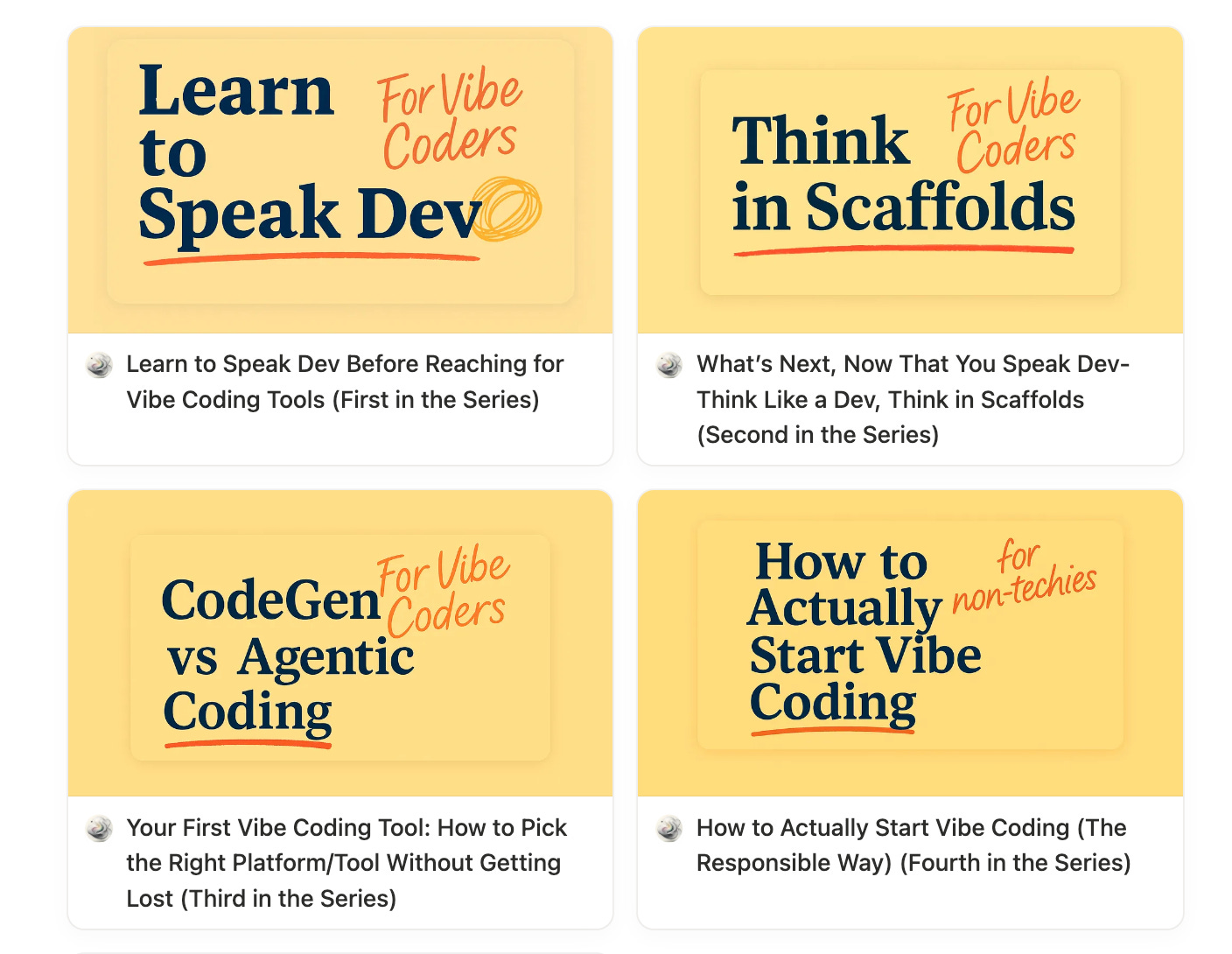
Learn to Speak Dev — the literacy step most beginners skip.
Think Like a Dev — scaffolds that turn vague prompts into structured builds.
Pick the Right Tool — how to choose between CodeGen platforms and AI IDEs.
How to Actually Start Vibe Coding — the responsible way to move from prototype to production.
You don’t need to master everything at once. You just need to start the right way.
AI will give you wings.
But you still have to learn how to steer.