

The Scaffolding Stack Non-Developers Should Know Before Relying on CodeGen Platforms
A map of the invisible layers that make modern apps work.

Everyone is a builder now that AI has democratized software creation.
A new creative medium is suddenly accessible to everyone.
However, this democratization didn’t come with a manual, like every major tech shift.
That gap in direction has caused Vibe Coding, one of the most widely adopted approaches to building with AI, to drift far from its original intent, becoming what the team at Cognition, the company behind Devin and Windsurf, described as “a blanket endorsement of ploughing through any and all AI-generated code slop.”
It’s a reminder that access alone doesn’t equal understanding.
The tools are within reach, but few know what they’re truly building or how the pieces beneath their builds fit together.
That also serves as a reminder: building with AI shouldn’t begin from groundless prompts.
If you….
cannot visualize the complete scaffold of what you’re building with AI before you press generate,
do not comprehend what the LLMs abstract away and why, or how each layer (interface, logic, data, and integration) connects beneath the surface,
… then building with AI becomes a reflex of ungrounded prompting rather than the craftsmanship it could be.
That’s what the first phase of the learning journey for any non-techie entering the world of Vibe Coding should be about before jumping into CodeGen platforms or AI-assisted coding tools.
I have already covered that with a number of articles, so I won't repeat it again.
If you’ve been following this Substack from the beginning, you’ve likely noticed my recurring emphasis on one key concept: foundational literacies.
Developing mental models that bring clarity to how software is structured through five key layers: UI Building Blocks, Vibe Units, Flows, Page Scaffolds, and App Scaffolds.

That’s what the Progressive Scaffolding Framework (PSF) in the Vibe Coding Prompt Kit was designed for: to help non-technical builders grasp the abstractions of modern software at a high level.

The PSF is a straightforward yet powerful mental framework that helps anyone with no technical background get started with AI, without getting lost in the intricacies of the underlying components that make modern software function.
Now it’s time for the second phase of the learning path, which focuses on understanding the Tech Stack, the essential technology layers and ecosystems that turn your mental model into a working build.
A map of the invisible layers that make modern software products work.
Once you understand how these layers stack, connect, and interact, you stop focusing solely on the user interface and higher-level business logic of the app you’re trying to build when crafting your prompts. Instead, you peel back the layer of abstraction and look through the interface to see the elements supporting the backend implementations of your build, ensuring it is usable, reliable, scalable, and secure — the essential qualities of any well-crafted product.
In this article, we’ll explore the tech stacks that enable non-developers to build practical web-based solutions, covering every stack that has become an industry standard for user onboarding and authentication, data storage, email verification, and automated payments.
What These Tech Stacks Usually Include
When you strip any app down to its scaffolding, you’ll find the same recurring needs — each handled by a service connected through web APIs or by an underlying layer managed by the developer, often through DevOps engineers or, more recently, by CodeGen platforms themselves through vertical integration within automated build environments.
If you haven’t had the chance to read the piece I wrote on how CodeGen platforms are now folding every aspect of the stack into their dashboards through vertical integration, I invite you to give it a quick skim.
How Vertical Integration Could Finally Deliver on the Promise of Vibe Coding — Especially for Non-Techies

The original promise of Vibe Coding was only partly fulfilled, especially from the perspective of non-technical builders.
This article doesn’t mention those platforms, not because I haven’t been following them closely, but because the focus here is on giving non-developers the confidence to experiment with the common stacks behind most modern apps, so they can build with clarity, not just convenience.
After all, if what you value most is the convenience of vertical integration, the good old no-code tools already offer that path.
This is about helping you build the mental muscle memory of building with AI, learning to see how the components that make up modern software fit together beneath the surface. Before we dive in, let’s walk through the core layers you’ll encounter in almost every modern software product.
UI -User Interface for layout, styling, and interactivity — UI kits, UI components and frameworks like Shadcn or Tailwind.
Authentication and user management to handle sign-ups, logins, roles, and permissions.
Structured data storage for user profiles, product records, posts, and other organized information.
Unstructured storage for files, images, generated media, and uploads.
Email and messaging pipelines for verification, notifications, and automation.
Payment and billing systems to process purchases and manage subscriptions.
Analytics and observability to monitor usage, performance, and behavior.
Edge functions enable dynamic handling of business logic, eliminating concerns about hosting or deployment overhead.
GenAI integration that adds intelligent features — text, image, audio, or video generation — to any layer of the stack.
Security and privacy foundations — authentication rules, SSL, and permission systems — that keep everything trustworthy.
Domain name, hosting, and deployment to turn your scaffold into a live, public product.
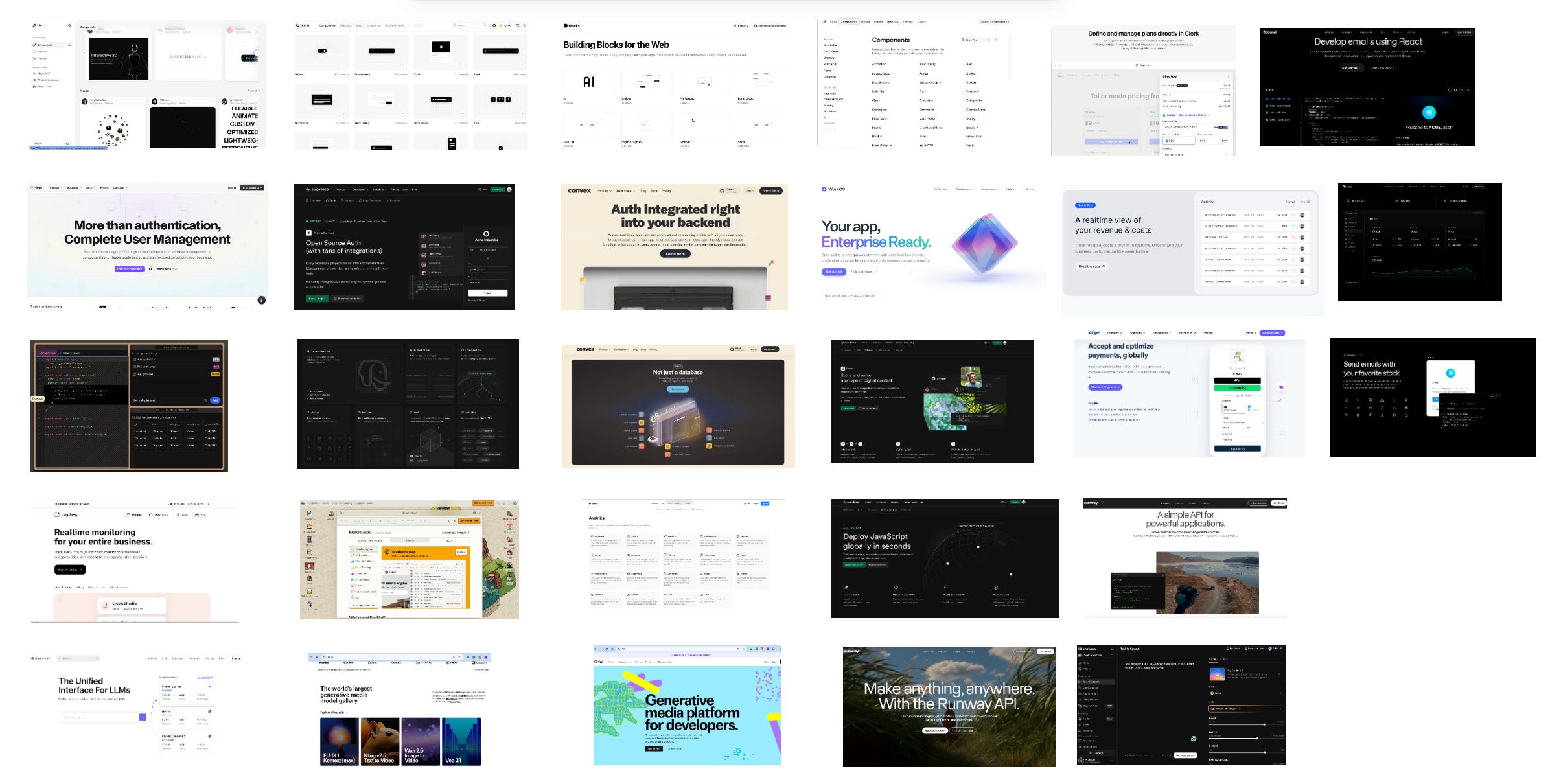
Under each component category, I will outline the options that are widely used and simple for a non-technical builder starting to build with AI.
This list is curated exclusively for non-developers.
I’ve tried to include only the platforms that feel approachable, not overwhelming.
The only category that might require a bit more effort to understand is Analytics and Observability.
Although I’ve listed a few SaaS tools that simplify this, you can skip that section if it feels overwhelming to understand, especially now that most CodeGen platforms are equipped with features that integrate the two seamlessly within their toolset.
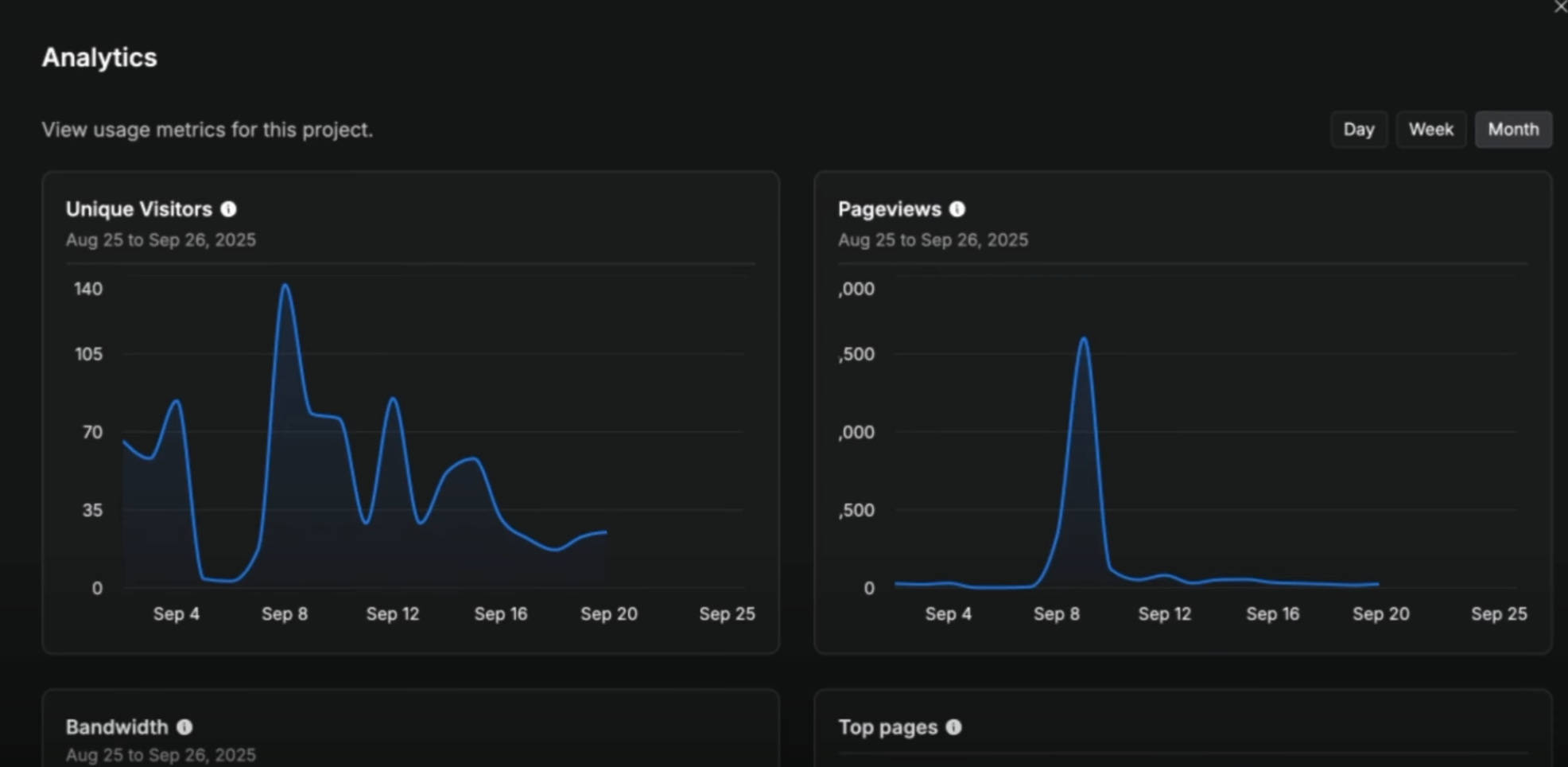
However, if you’re keen to understand user behavior and seek more detailed signals about how people engage with your build, the three options I’ve listed are worth exploring.
UI
Every app begins with what people see, click, and interact with.
This visible layer, the user interface, is where your product takes shape.
Instead of starting from a blank canvas, most builders rely on ready-made systems that include design components such as buttons, cards, forms, and dashboards.
These resources save you from rebuilding the basics from scratch (unless you are a designer obsessed with pixel-level precision).
Modern UI frameworks let you copy and paste components, adjust styles, and quickly create clean, functional layouts. Among them, React, an open-source frontend library developed by Facebook, remains the most widely used.
Because most foundation models are trained on the dominant web technologies, React and the TypeScript programming language have become the natural defaults for AI-generated builds.
While large language models can generate code in many languages, they tend to favor TypeScript because its typed nature adds structure and helps prevent mistakes.
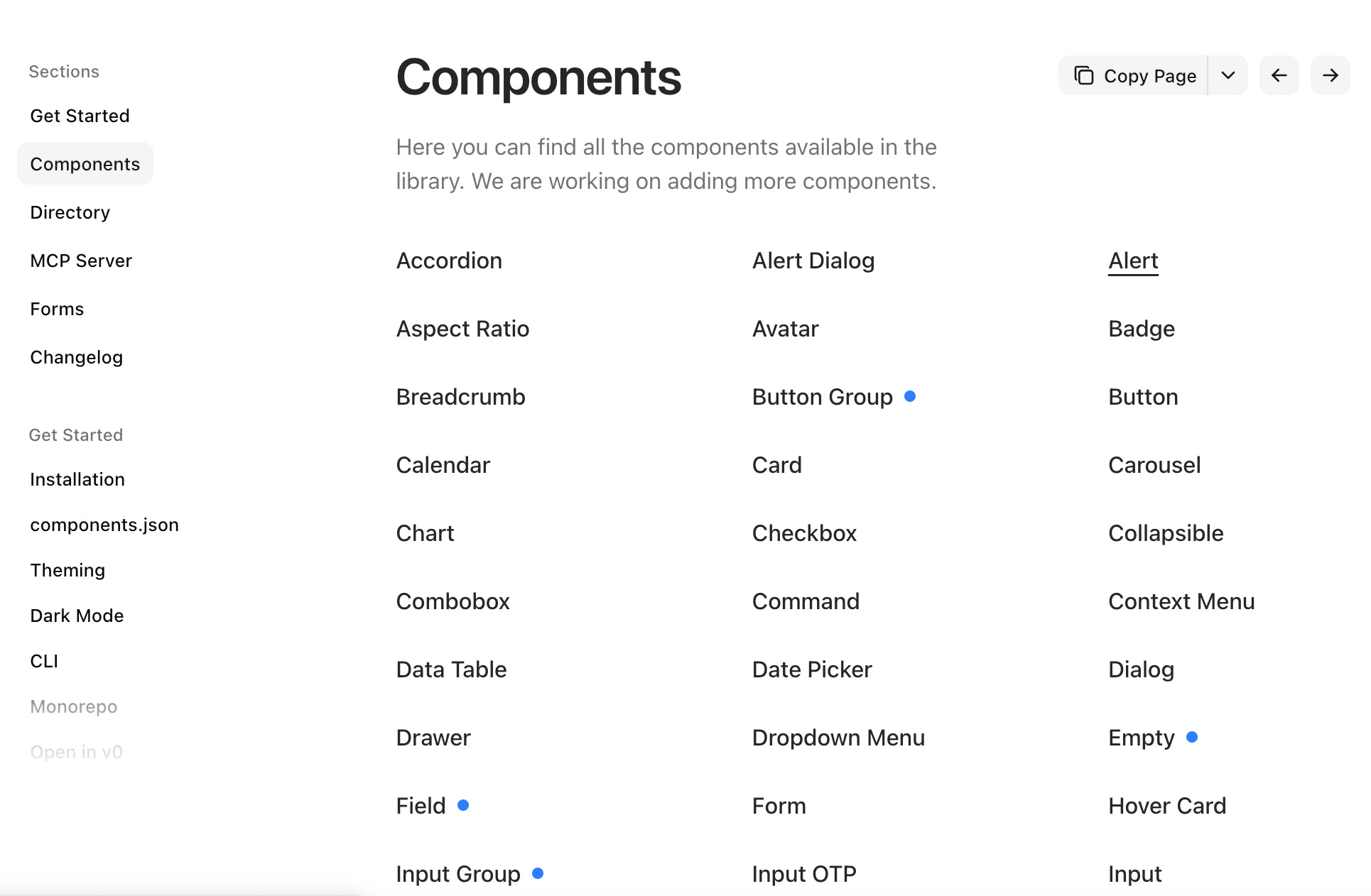
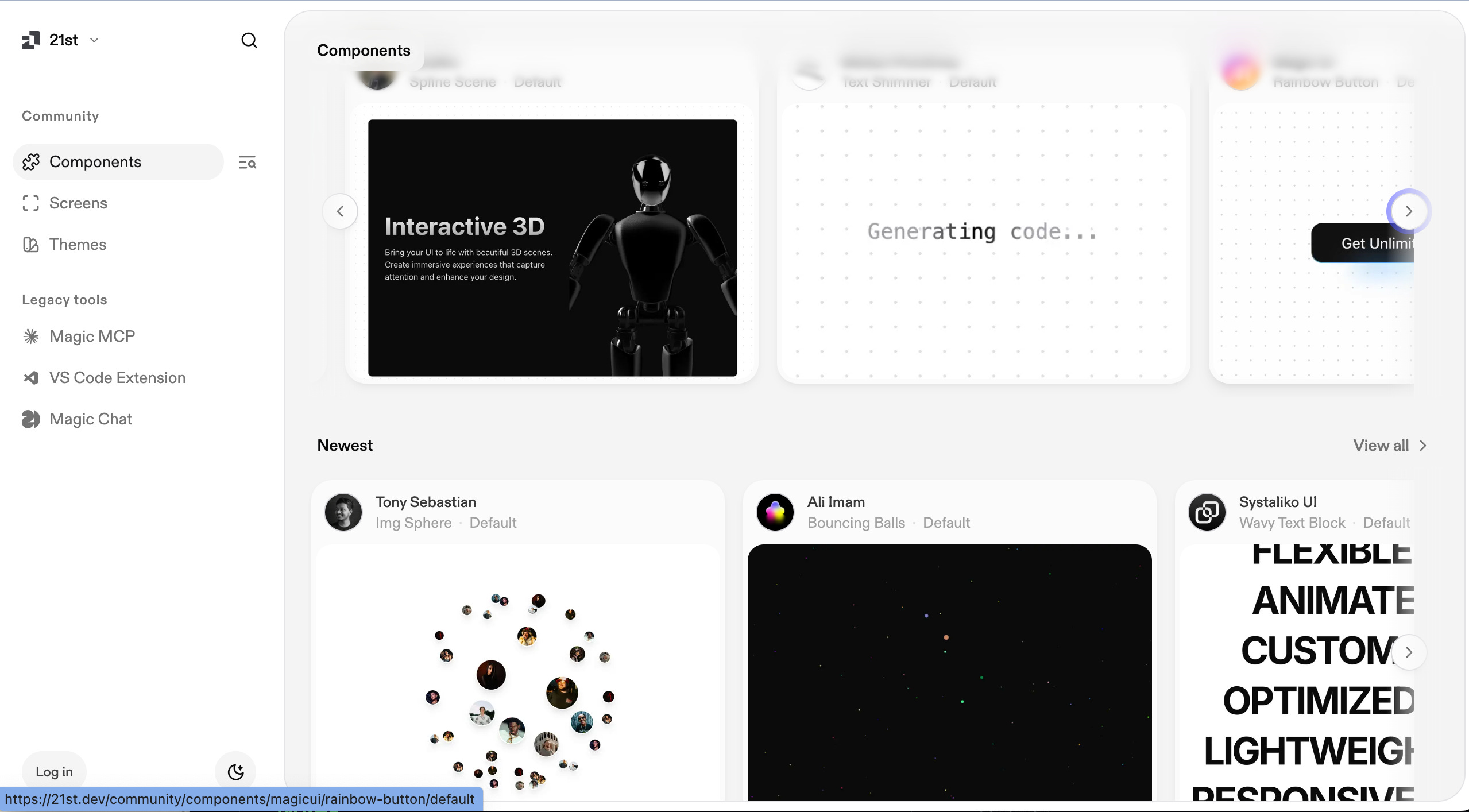
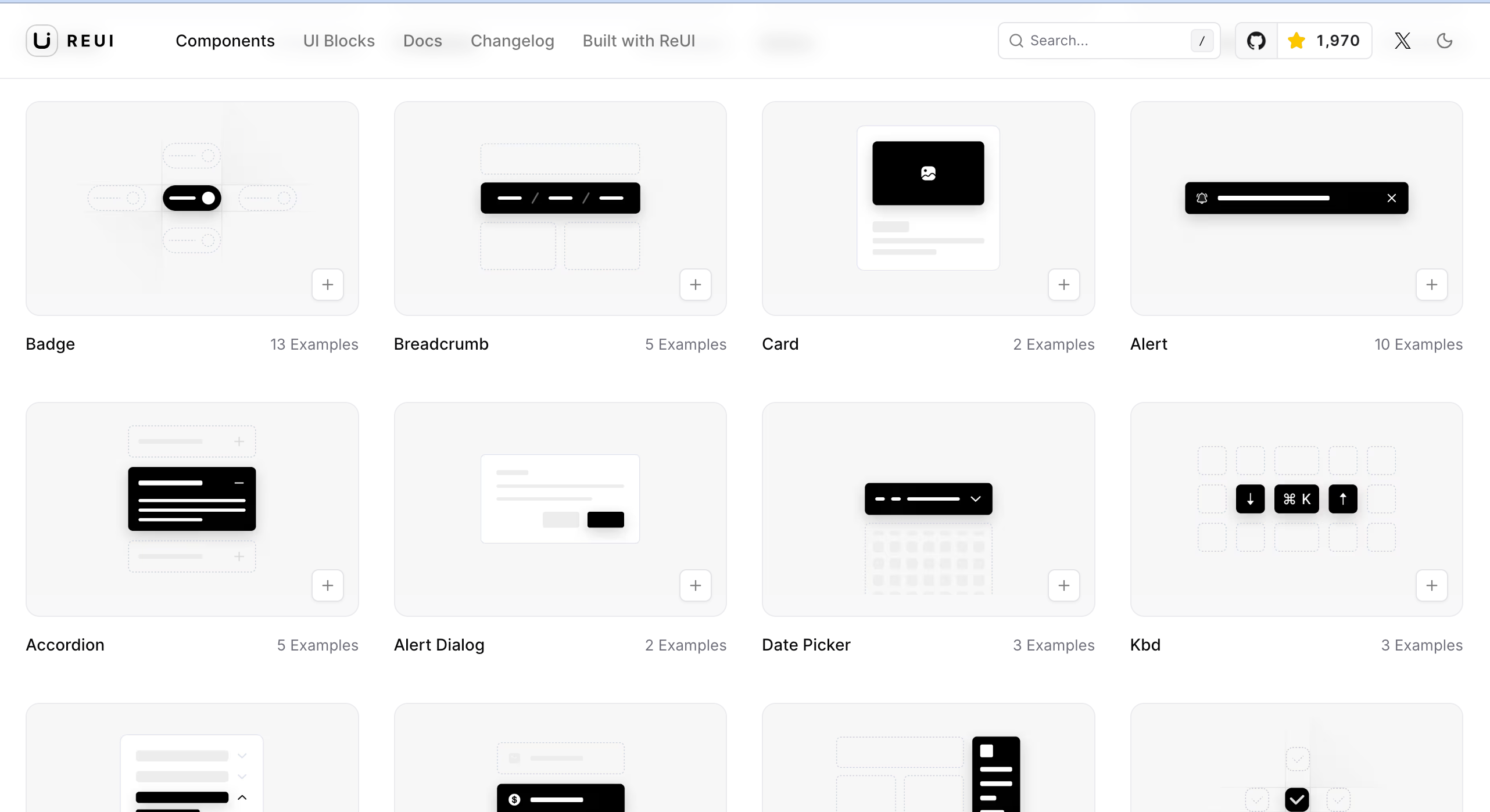
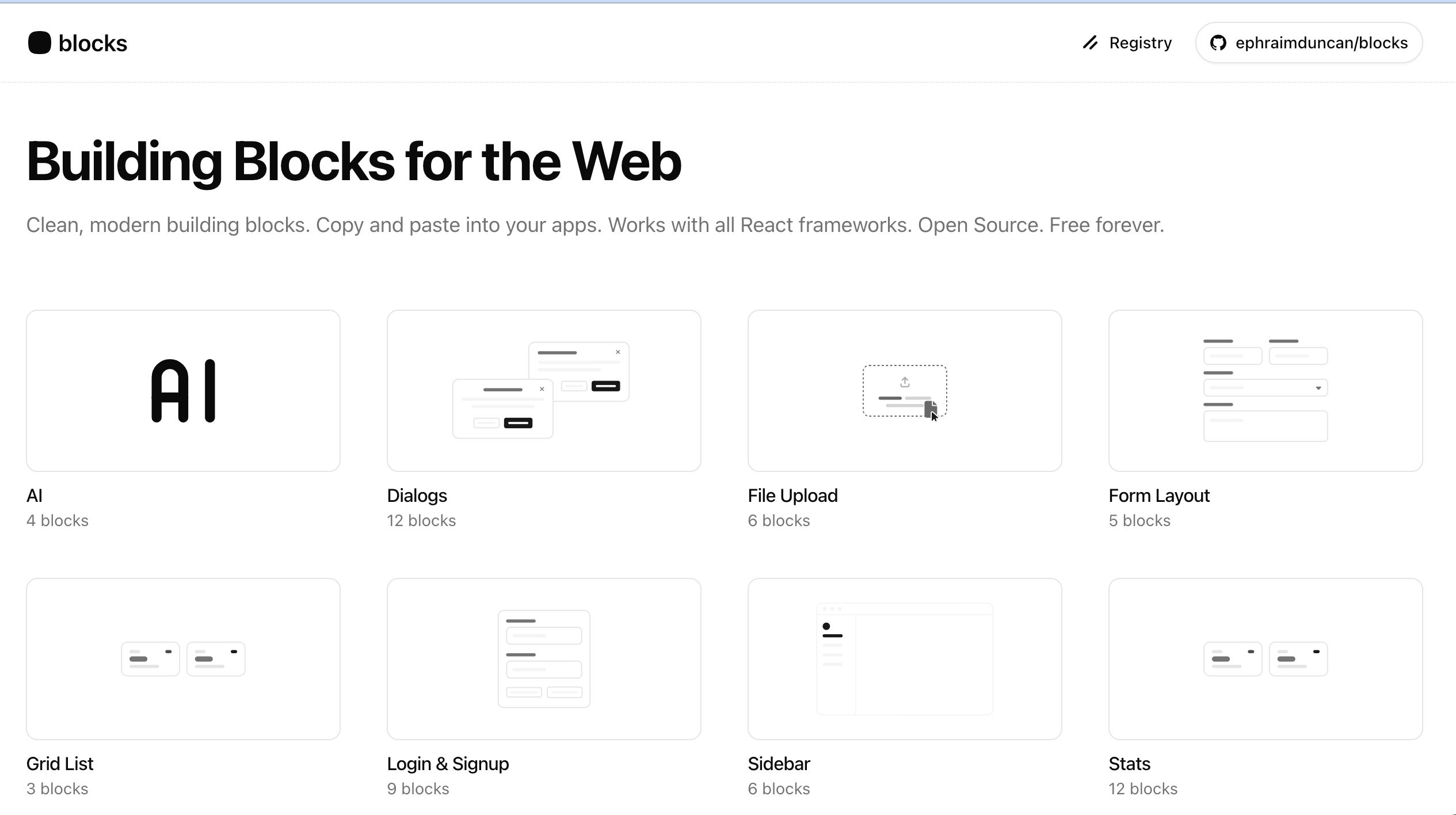
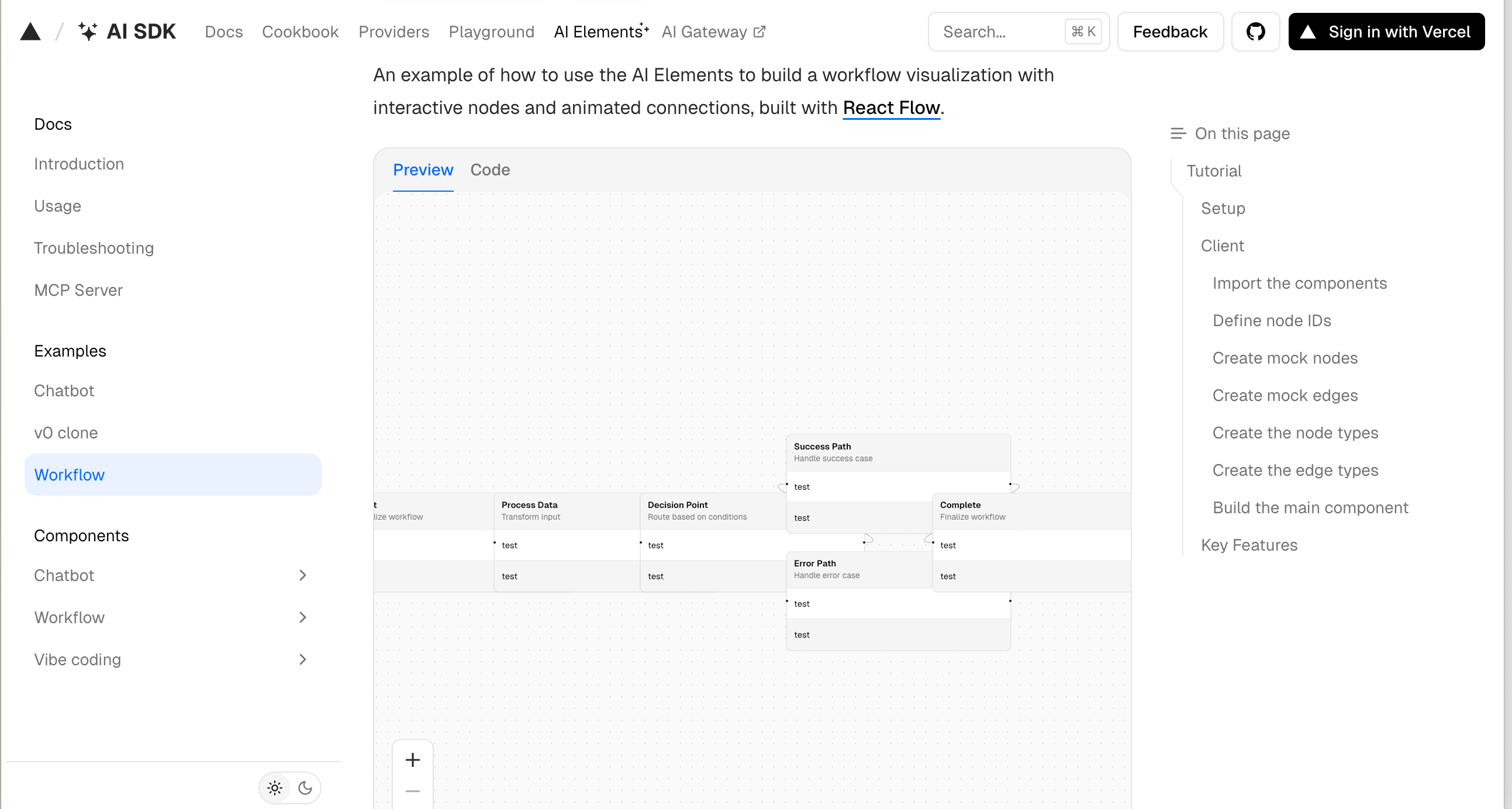
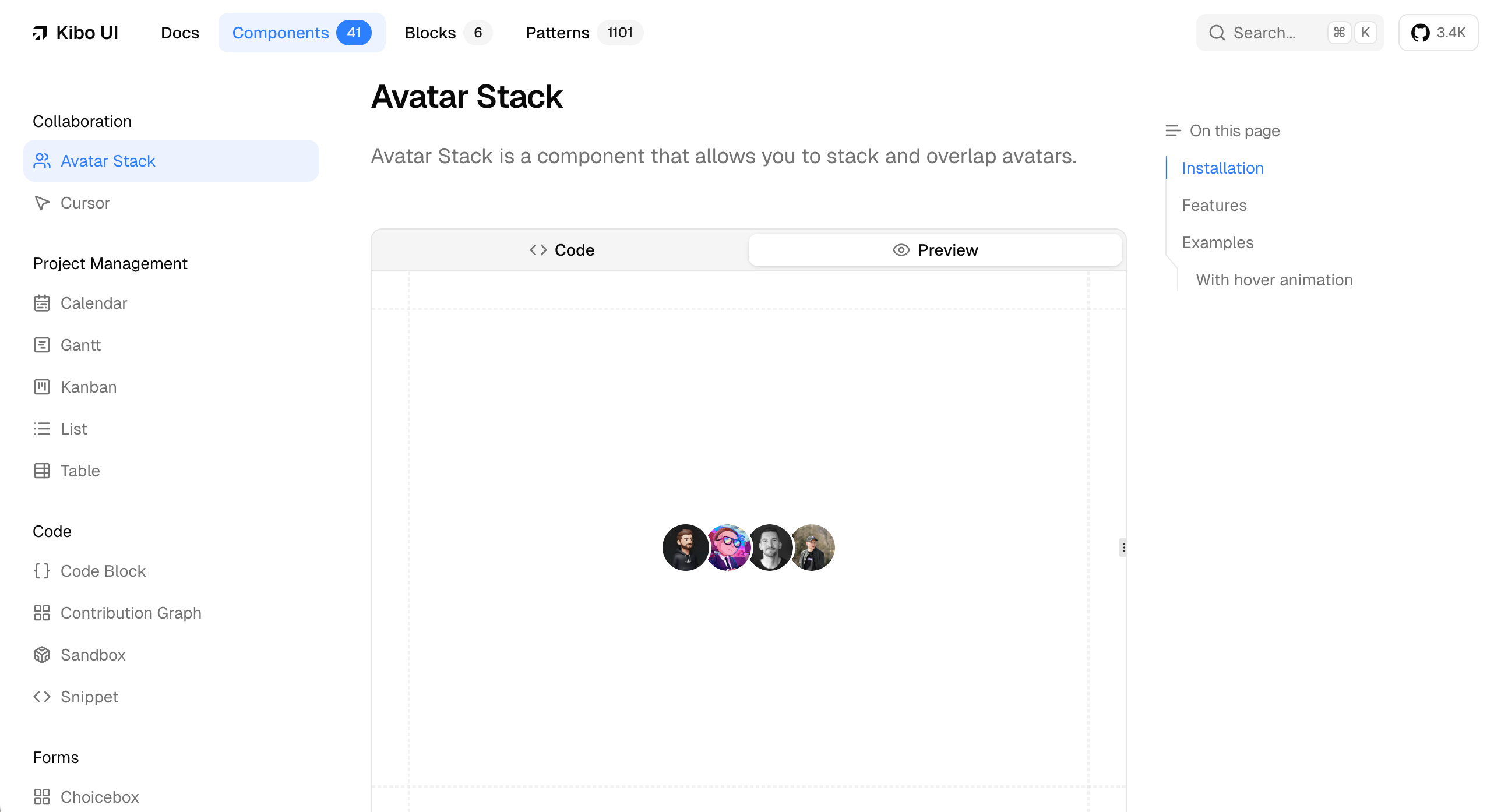
The most popular UI framework, described by its creators as “the foundation for your design system,” is Shadcn. Several other variations built on top of it — such as ReUI, Blocks, AI SDK Elements, and Kibo UI — make the process even simpler and more consistent.
For ready-to-use UI building blocks, I recommend 21st.dev and the official Shadcn website, in addition to the sites dedicated to the derivatives.
Authentication and User Management
Authentication and user management handle how people sign up, log in, and access different parts of your product. These systems control identity, permissions, and security — and the good news is that you don’t have to build any of it yourself.
Several platforms now offer this layer as an off-the-shelf abstraction, providing pre-built components for sign-ups, magic links, social logins, and user roles without the need for significant effort.
Options that fit non-developers
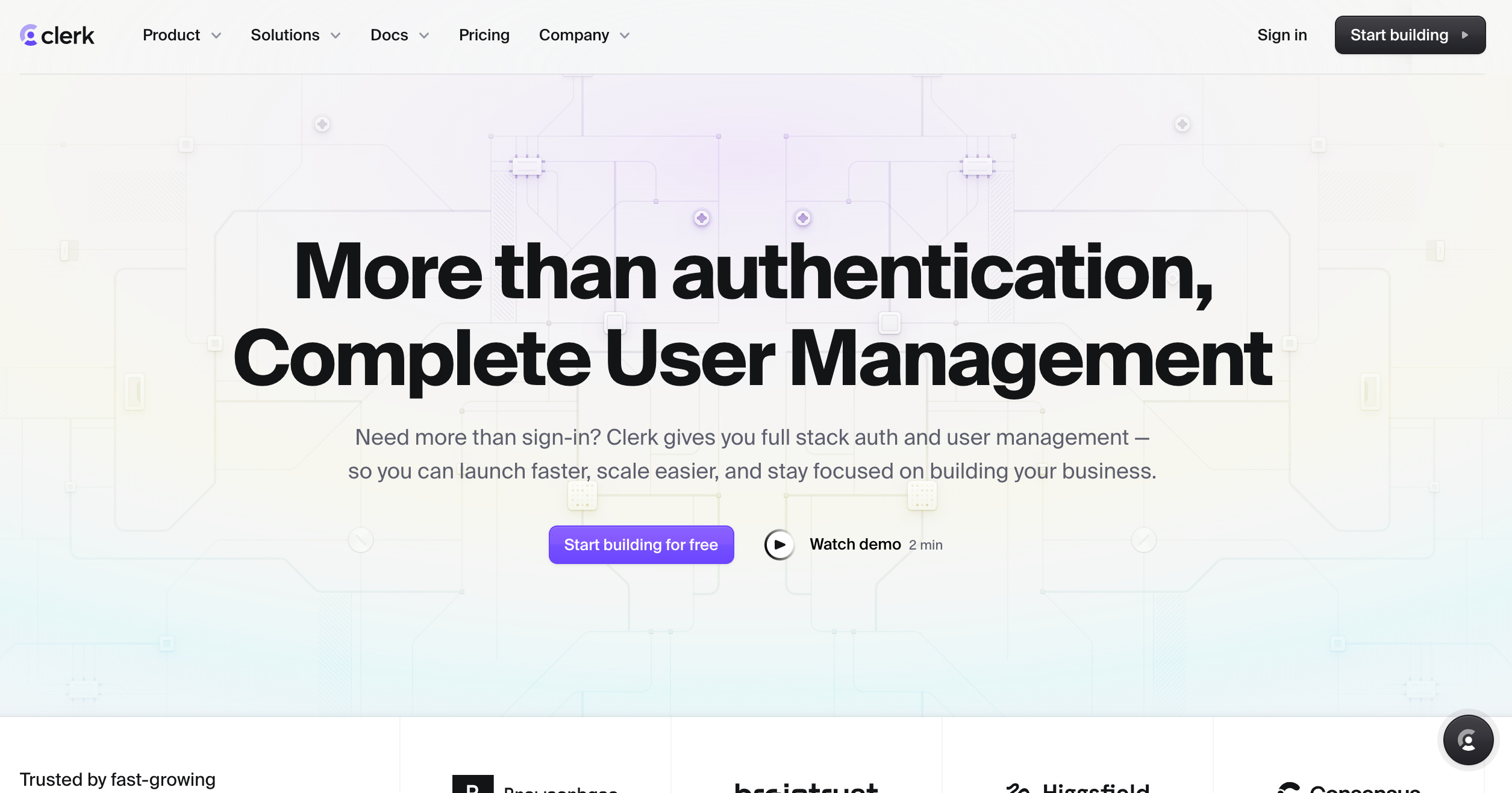
Clerk. Prebuilt screens for sign-up and sign-in.
Email, magic links, passkeys, and popular social logins. Easy to style and drop into React and TypeScript projects.
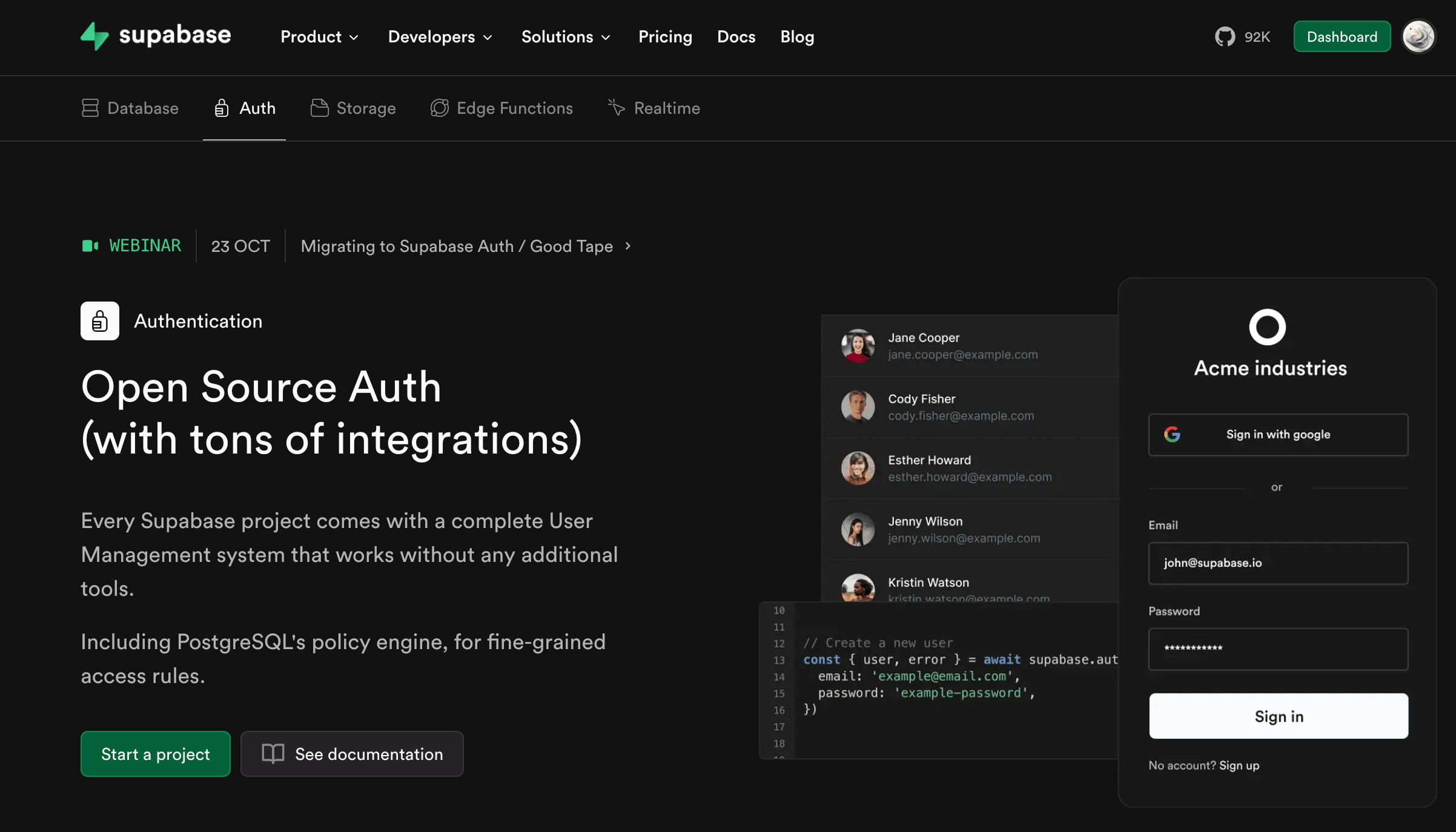
Supabase Auth. Supabase is renowned for its easy-to-deploy databases.
A favourite among the CodeGen platforms across the board. But it also offers a feature for handling authentication and user management.
Email and social logins, plus simple rules that connect to your data tables. A strong choice if you already use Supabase, and frankly, if you’re building with AI as a non-techie, it’s hardly a question.
Supabase is built for this era.
WorkOS. If you are building internal tools for the organization you are working for or your own company, you need enterprise-grade features like single sign-on and user provisioning.
This is the perfect integration to use.
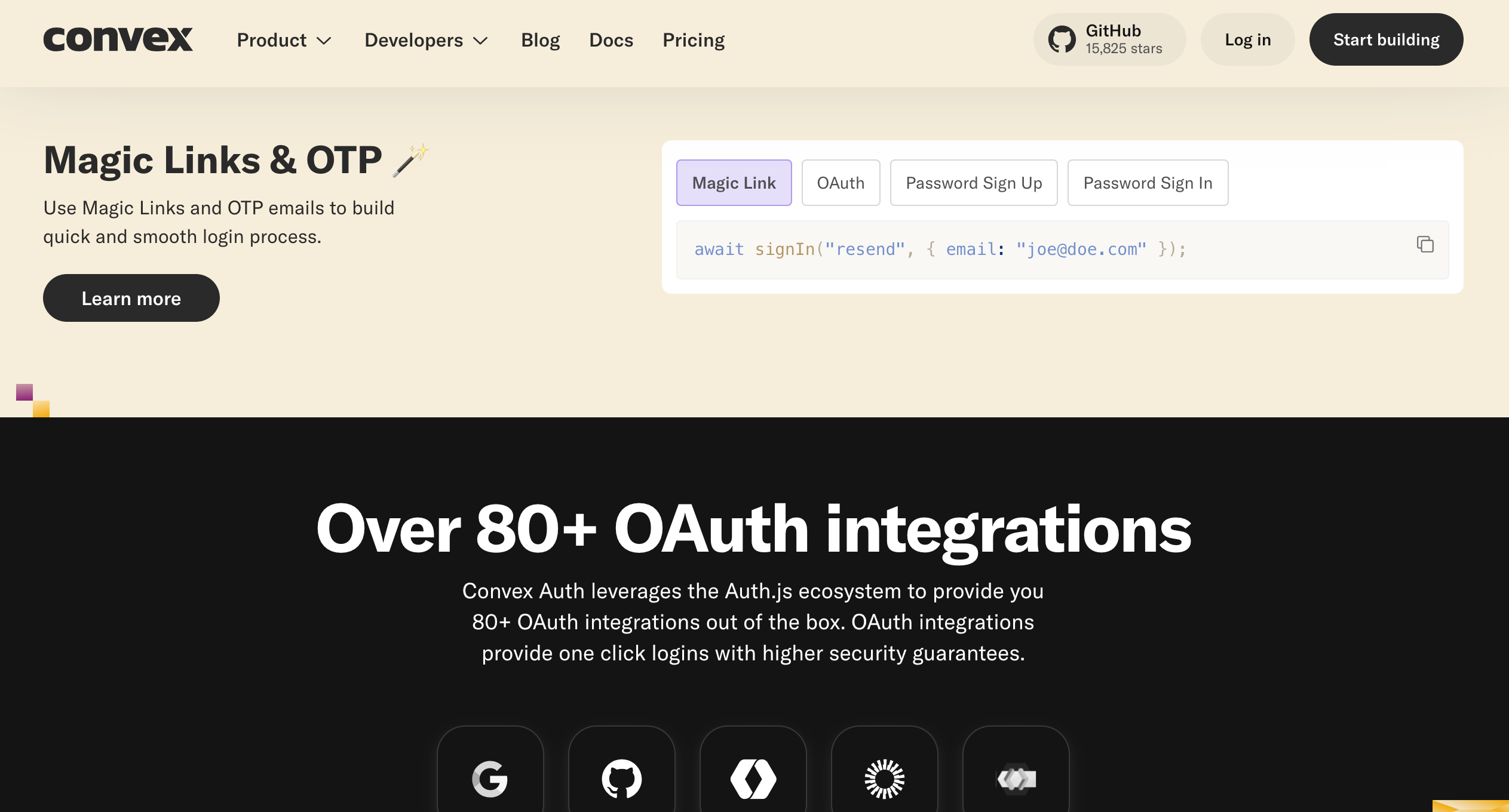
Convex Auth. Honorary mention. Useful if you are already using the Convex backend. Magic links and OAuth with a simple setup for over 80 integrations.
Personally, I find Supabase sufficient to start with, and I haven’t encountered any additional requirements that necessitate Convex, nor am I sure that will be the case anytime soon.
What to lock first
What data do you actually need from a user?
How long should a session last (the period during which access is granted)?
Which screens are public and which require a signed-in account?
Structured Data Storage
This is where your app stores all its organized information, including a list of services, product records, and the contents of different types.
It’s the part that remembers what users create, buy, or share.
A solid database makes your product reliable and fast.
By now, you already know I am biased. Supabase is the one.
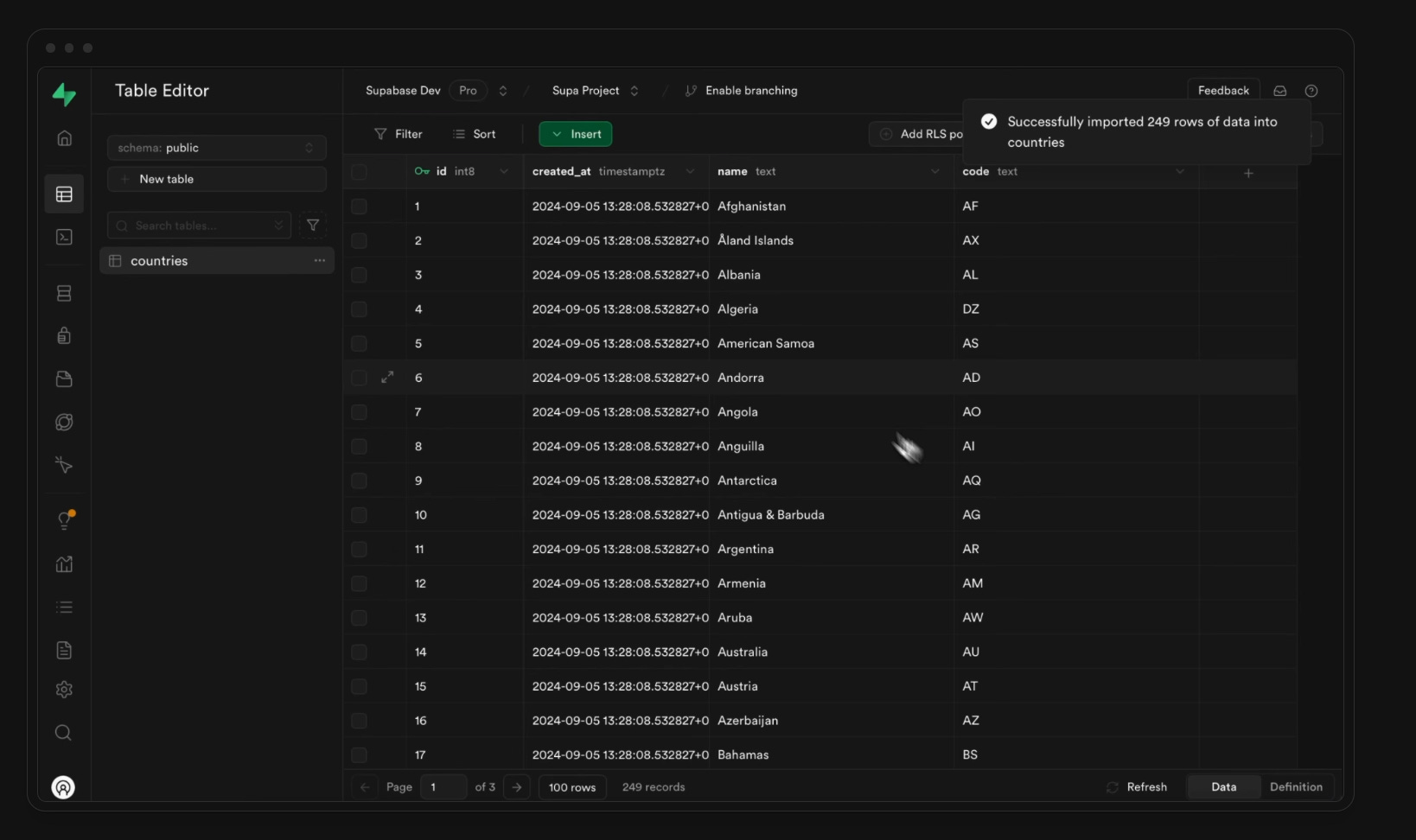
Supabase is the go-to choice for most non-developers. It comes with everything you need in a database. It is the most widely adopted one across all the CodeGen platforms. You can start small and scale as your project grows.
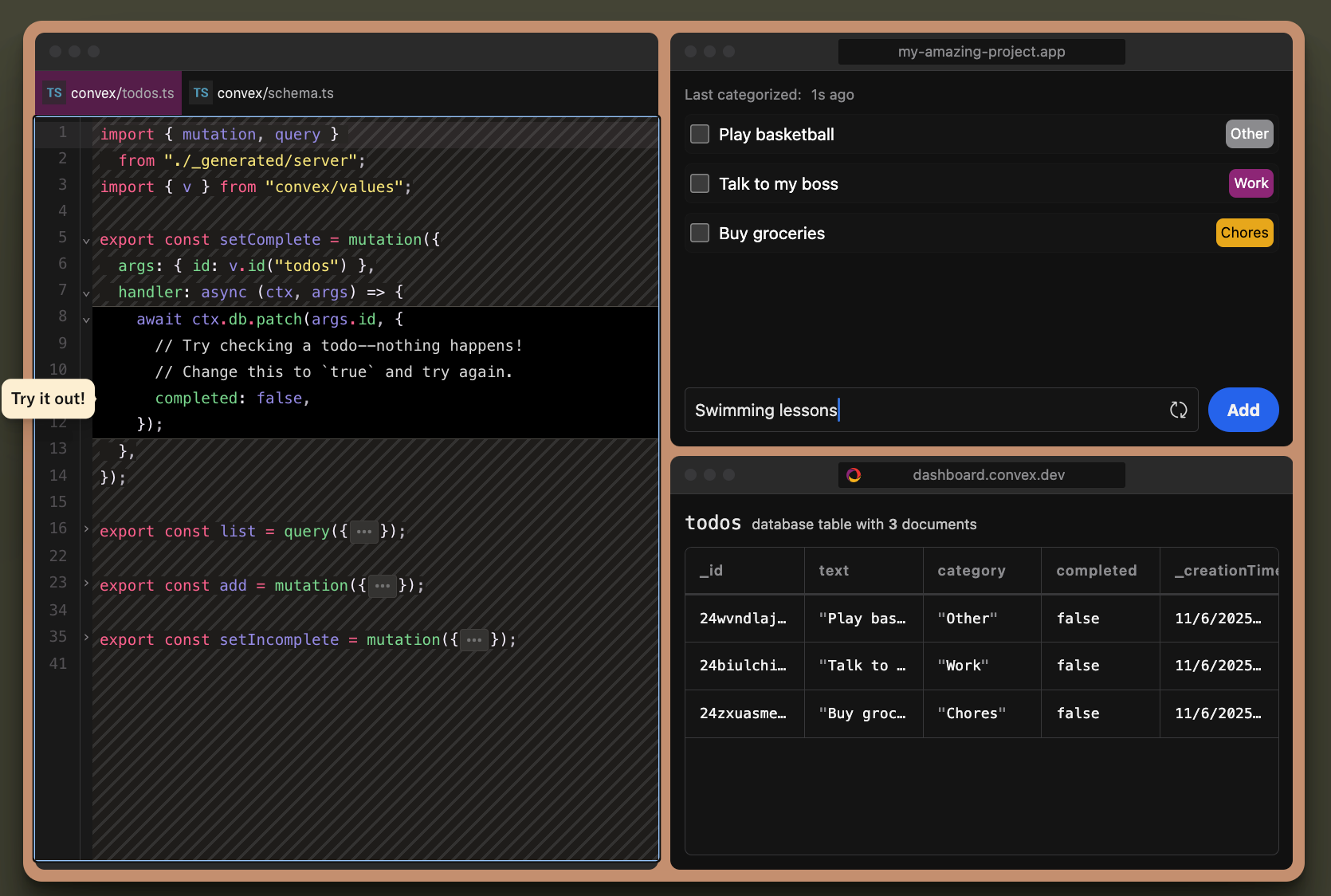
Convex is quickly gaining traction. It is pretty much doing everything that Supabase does. It combines a database with real-time updates, ensuring your app stays in sync without requiring extra setup.
Firebase deserves an honorary mention. It is the BaaS from Google that we have grown to love, until we discovered Supabase.
Personally, I do not recommend it unless you are using Firebase Studio to build your app, which has seamless integration with Firebase’s database-related services that live in your Firebase Projects.
As for the Studio, it is not there yet. So do not use Firebase Studio.
I say the practical default for anyone entering the world of building software, with or without AI, if their specification includes a requirement for a database, Supabases should be their first choice.
It’s beginner-friendly, scalable, and connects well with most tools you’ll use later in your build.
File Storage
Unstructured storage is where your app stores all items that don’t fit neatly into a database table, such as images, videos, audio files, and documents.
These are the assets that bring your product to life.
With the integration of AI in apps becoming the new normal, having a Storage system is very useful for both feeding the AI with unstructured data and storing newly generated content in various formats.
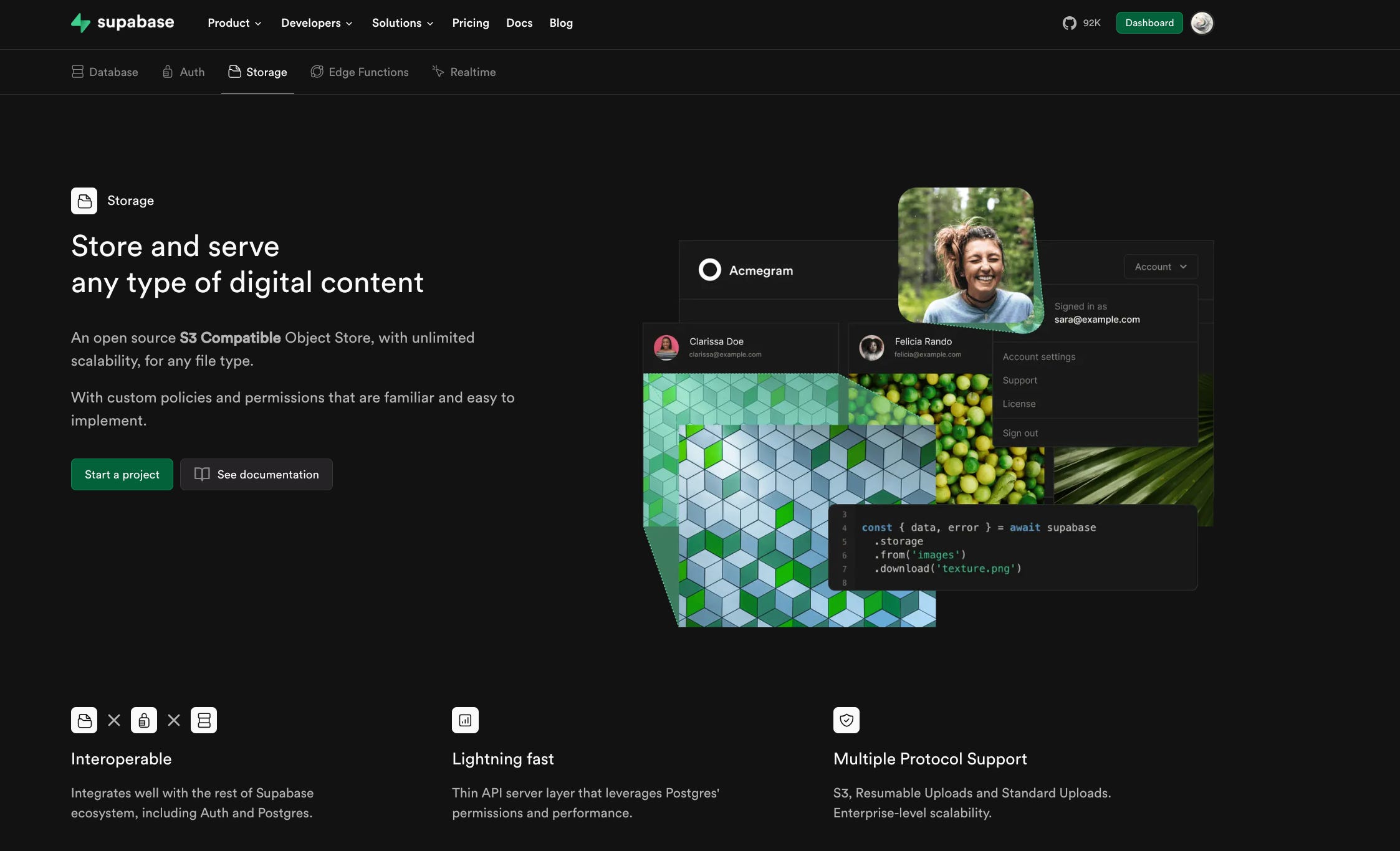
Supabase, with its all-in-one approach, makes it very easy and seamless.
Its storage integrates smoothly with Supabase Auth and the same database you already use, ensuring that user permissions and file access remain in sync.
It offers a simple dashboard for managing uploads, built-in image optimization, and global delivery through a content delivery network (CDN). It’s reliable enough to start with and flexible enough to grow with your app.
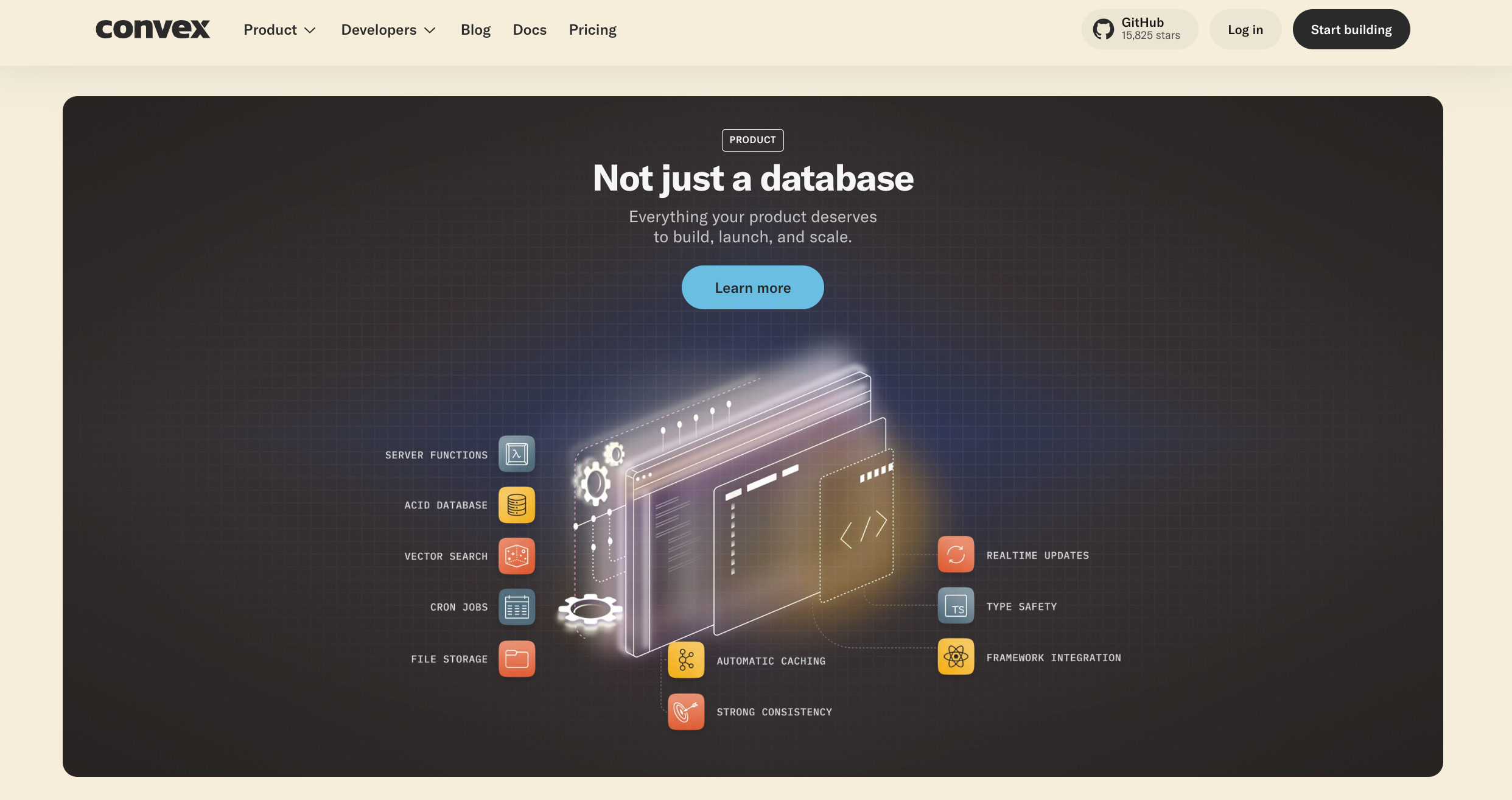
Convex is another platform that is getting traction, at least in the dev community, based on my observation. It combines file storage with the same real-time sync that powers its database. You don’t need to set up separate tools for uploads and storage — it’s built right in. For non-developers, this means less configuration and fewer moving parts.
As for the good old Firebase, it still works fine, but feels dated compared to these newer options. Platforms like Supabase and Convex are designed for today’s CodeGen and AI-assisted builders, and they can handle a solid user base before you ever need to think about scaling.
If your app reaches the point where it attracts thousands of users, that’s a good problem to have; you’ll probably bring on board traditional developers, especially DevOps engineers, to spin up dedicated cloud infrastructure.
Until then, Supabase or Convex can support you effectively without adding complexity.
Email and Messaging Pipelines
Every modern app needs a method to connect with its users — whether it’s sending sign-up confirmations, password resets, or updates. Email and messaging pipelines manage all of that automatically, so you don’t have to manually send messages.
Resend has quickly become the favorite among builders.
It turns what used to be a complex process into something simple and elegant.
You can create stylish, branded emails directly with React components, monitor delivery and engagement, and ensure your messages reach inboxes rather than ending up in spam folders.
I highly recommend it if you need to integrate this feature into your build.
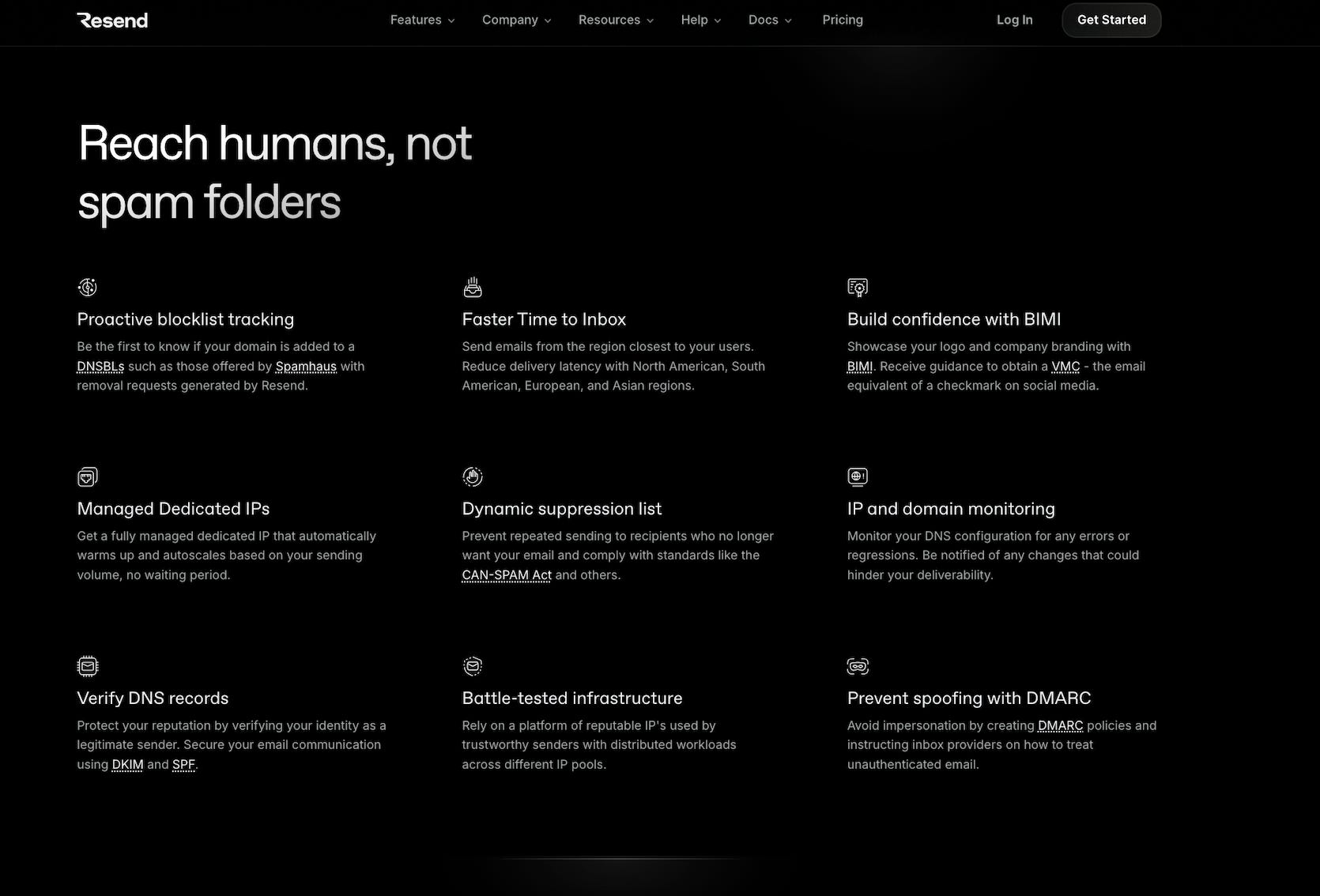
For years, SendGrid was the default choice for transactional emails. It’s reliable and battle-tested, but compared to Resend, it can feel somewhat heavy and less intuitive. If you’re starting fresh, Resend is the easier-to-integrate option overall.
Payment and Billing Systems
Every modern app that sells something — whether it’s a digital product, subscription, or service — needs a way to accept and manage payments.
For non-developers, this is where the right platform choice saves you from complexity.
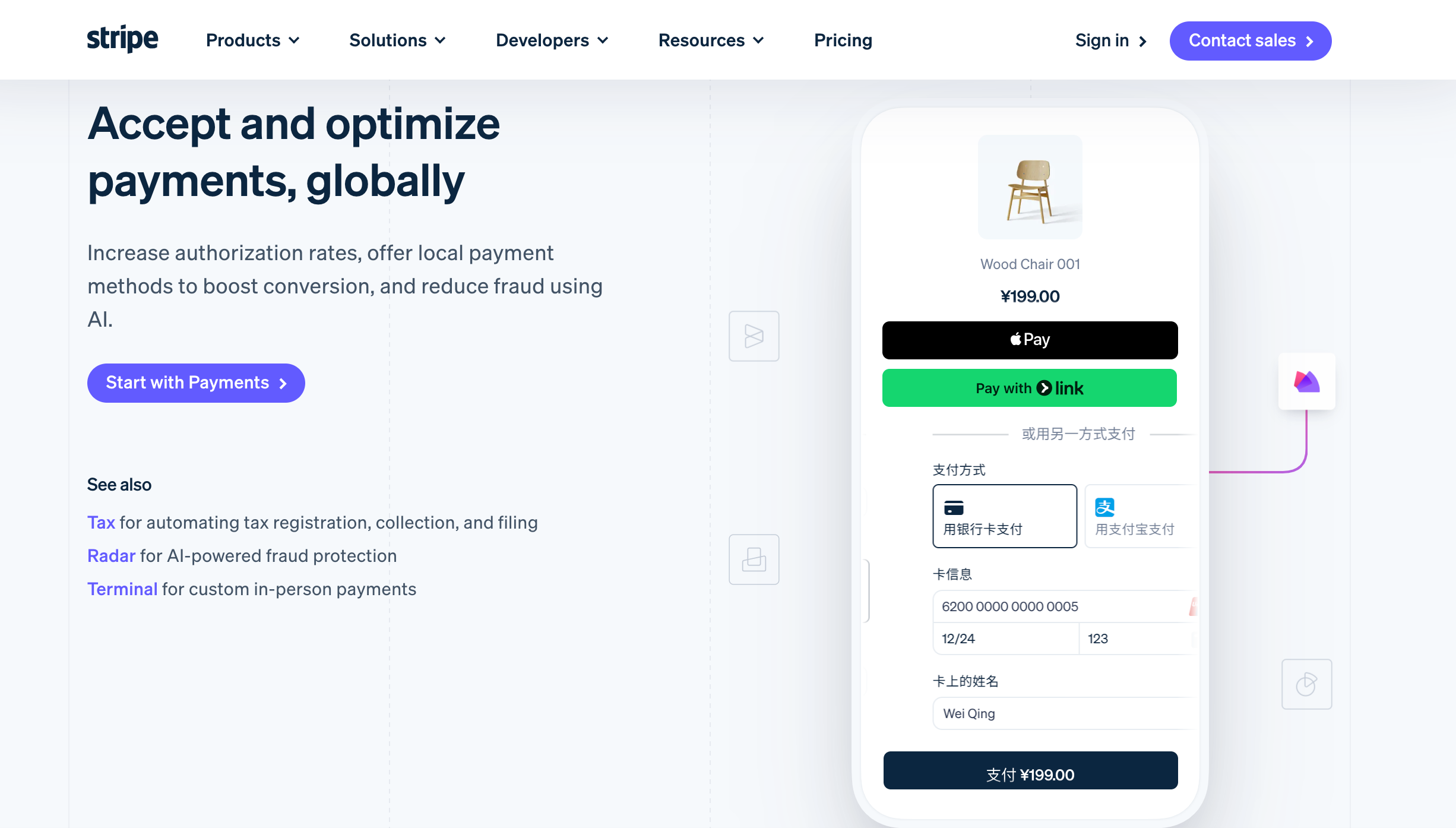
Stripe is the gold standard here.
It powers payments for millions of online businesses and comes packed with everything from checkout links to invoicing, subscriptions, fraud detection, refund processing and tax handling.
It’s highly reliable, works in most countries, and integrates with nearly every tool in the stack. For anyone just starting out, Stripe can help you take your idea from concept to a paid product without needing a custom backend.
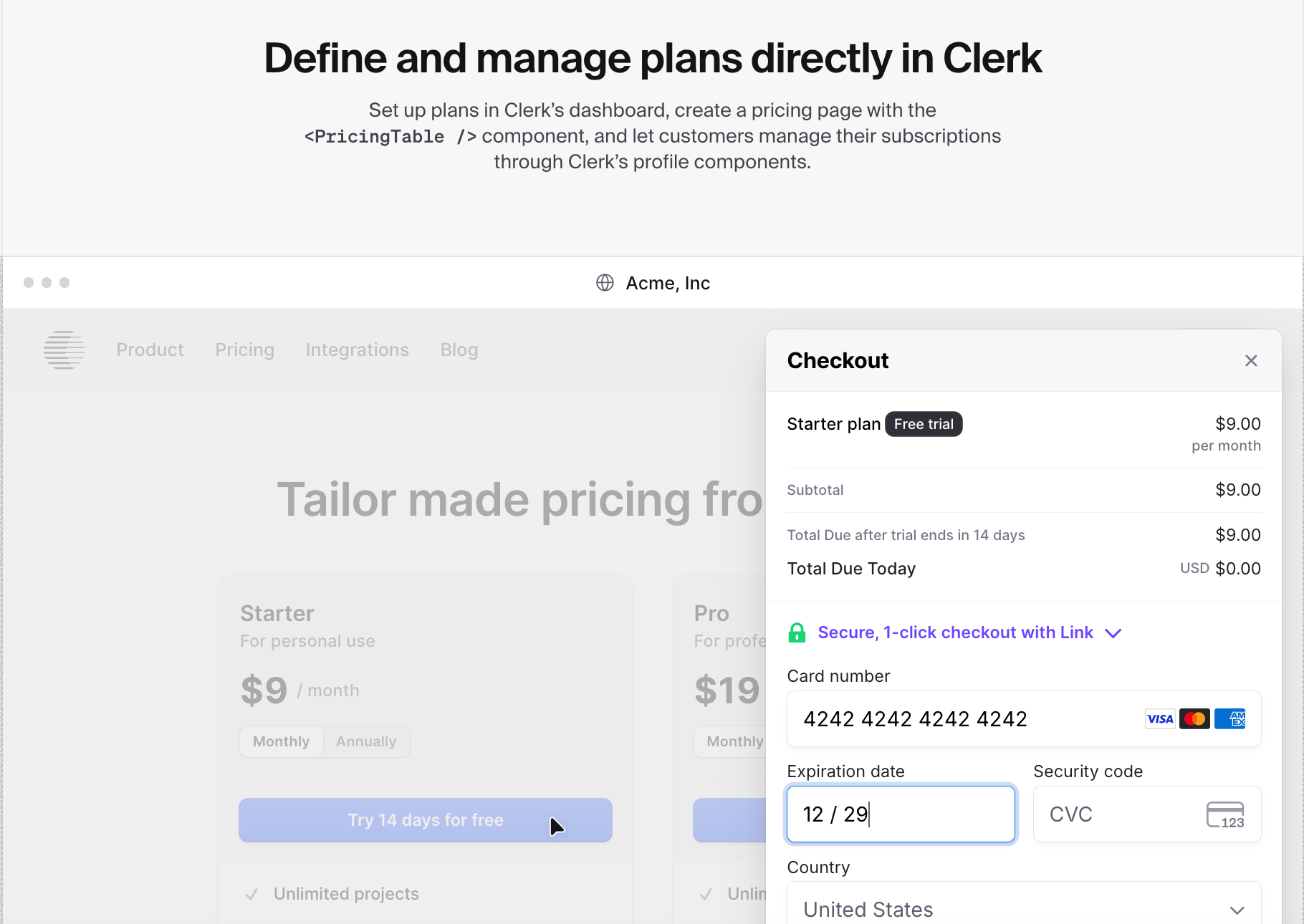
Clerk Billing, currently in beta, integrates directly with Stripe, making subscription management effortless.
It connects your user authentication (via Clerk) with billing, so that every customer’s subscription status and permissions are stored in one place.
You can create pricing plans, handle upgrades, or lock access to features based on plan level — all without manual setup or custom code.
It’s ideal for those building SaaS-style apps where login, billing, and access need to sync smoothly.
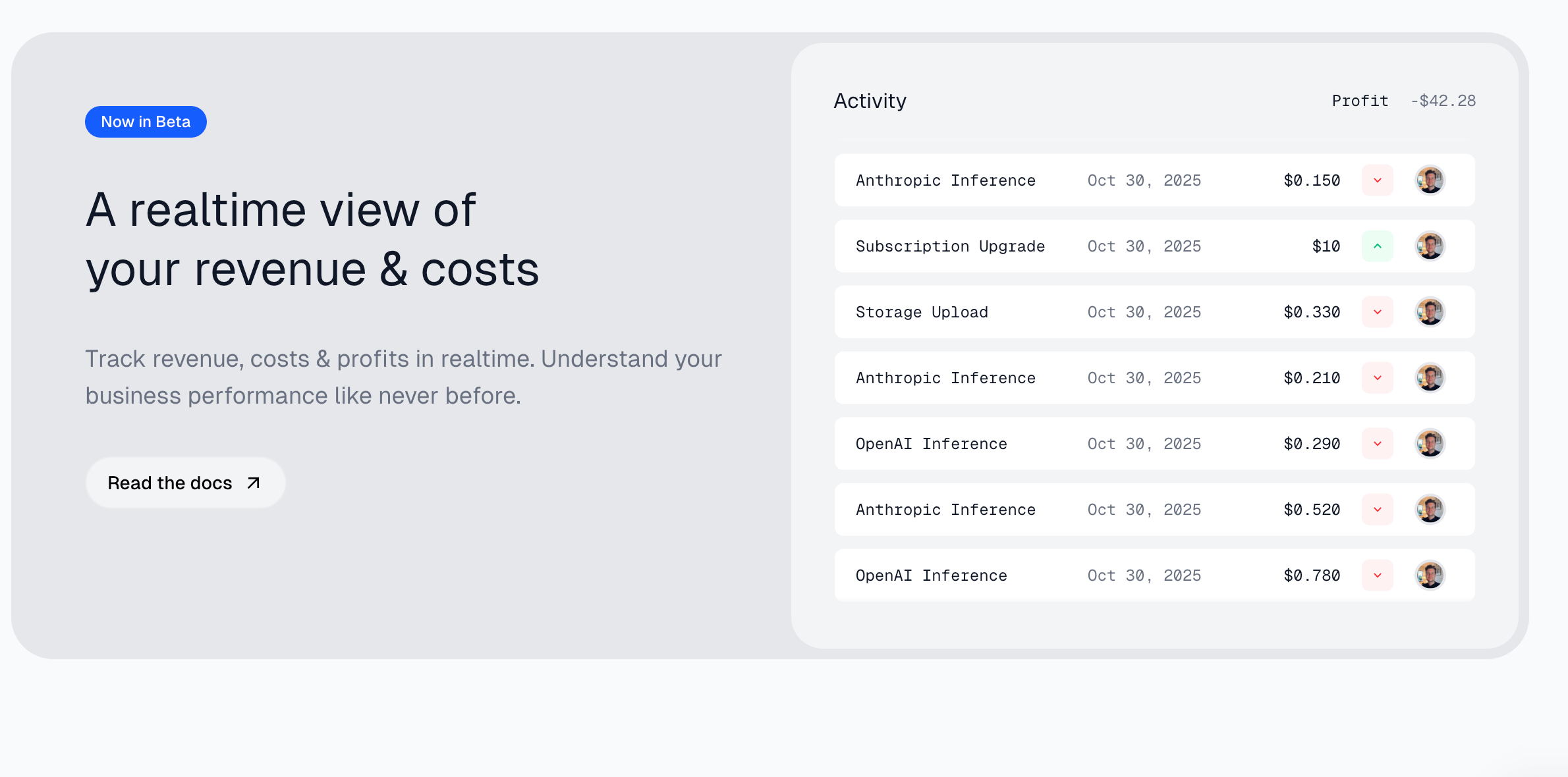
Polar is a fairly recent entrant compared to Stripe, focusing on simplicity and speed.
It’s designed to let you monetize your app with just a few lines of setup.
Polar also tracks real-time revenue and costs, offering built-in analytics. It’s particularly appealing for small creators or indie builders who want to launch quickly with minimal configuration.
Polar also includes usage-based billing, useful for AI apps that charge per token, image, or request.
Seeing how far Stripe has come, from its humble beginnings to its current goal of becoming the financial backbone for online payments, it’s easy to feel overwhelmed. But setting up an API for processing payments is actually quite simple.
Plus, CodeGen platforms are also making it easier to integrate payment handling directly into your builds from within the prompt box, although, as I mentioned, this article is not about those vertically integrated features. It focuses on understanding the stack that comprises modern app development, allowing you to clearly visualize the underlying components. So you can build with your agency intact.
Clerk Billing and Polar, on the other hand, are lightweight layers that simplify payments for builders by handling the heavy work on their behalf.
Since Clerk Billing is still in beta, you might choose to skip it for now. In the future, though, I think it will likely become the go-to choice for anyone with a limited technical background, alongside Polar.
Together, these three tools make the payment layer of your app something you can simply plug in and trust, letting you focus on what you are building rather than how to get paid.
Analytics and Observability
Every app that makes it to the hands of real users needs a way to observe what’s happening behind the scenes — who’s visiting, how they’re interacting, what’s working, and what isn’t.
Analytics and observability tools transform the invisible flow of activity into clear signals that you can reason with.
It’s where you stop guessing and start understanding what your users actually do once your build goes live. Which features are working as intended, and which ones are giving them headaches?
Here are the three tools I picked from the dozen that manage analytics and observability seamlessly:
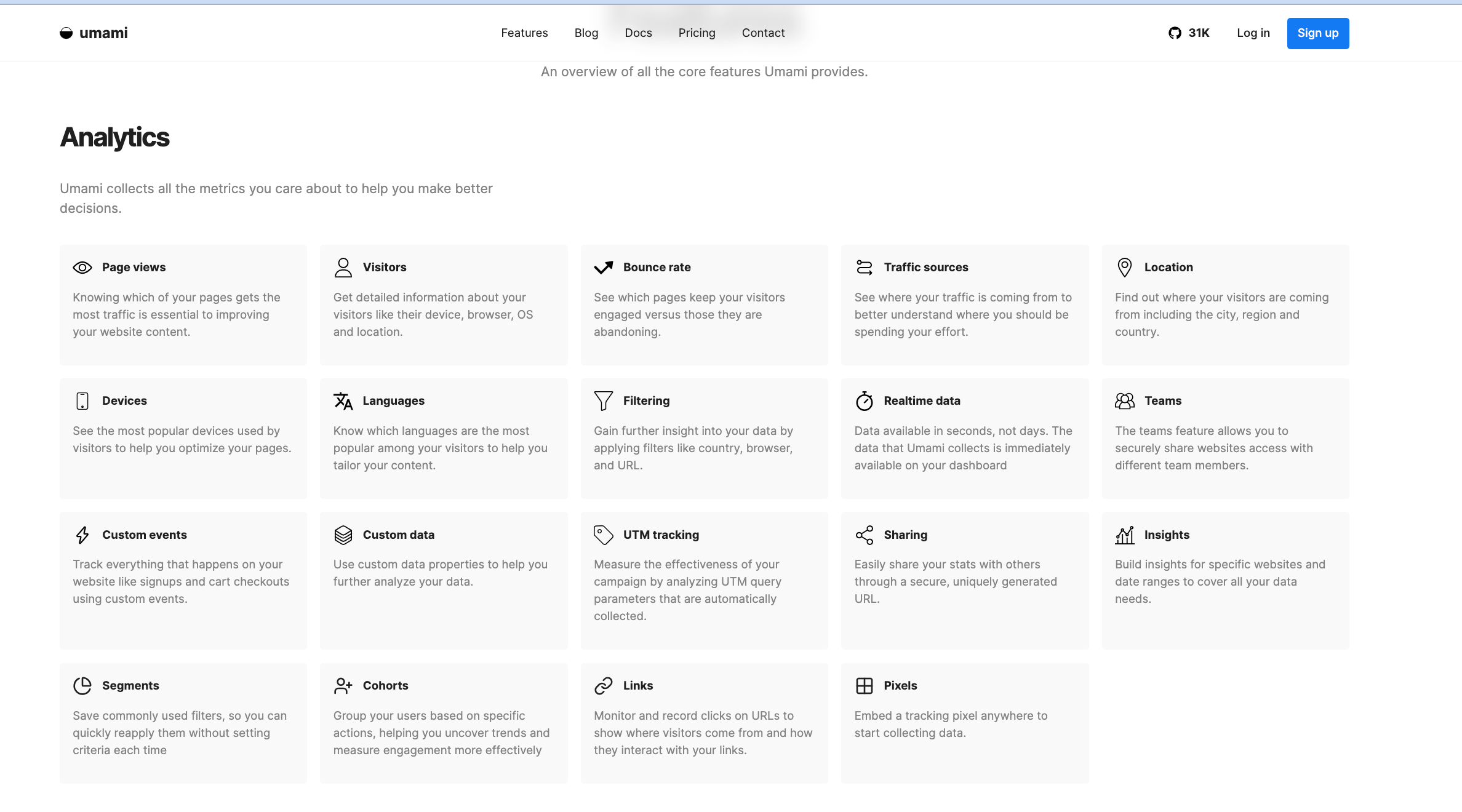
Umami — Understand what’s happening
Umami is a privacy-first analytics tool designed for simplicity.
It tracks page visits, traffic sources, and user actions without using intrusive cookies or collecting personal data.
The dashboard is clean and straightforward, displaying where users originate, which pages they tend to stay on, and how traffic patterns evolve over time.
It’s a practical choice for builders who want essential insights without the noise.
PostHog — Understand why it’s happening
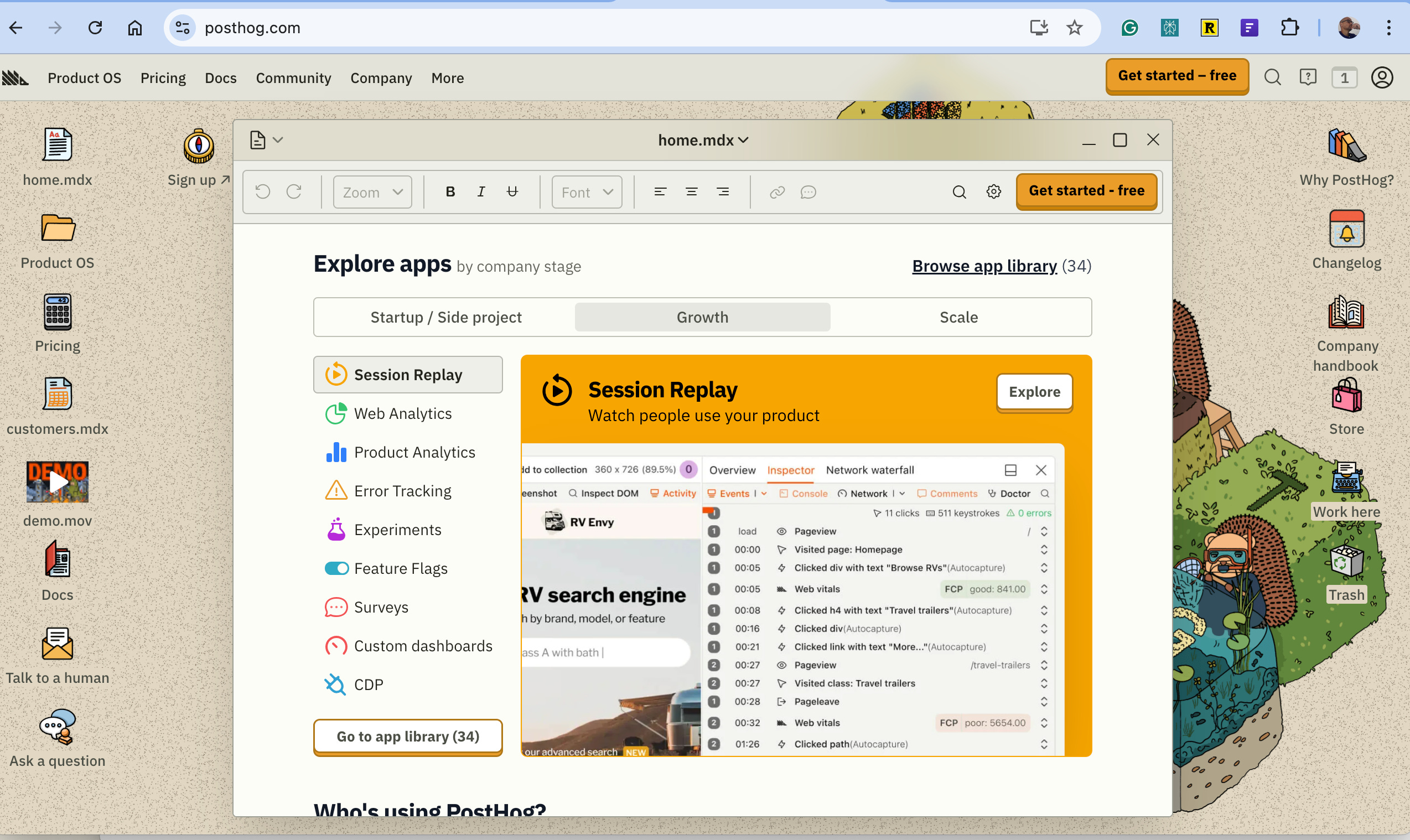
PostHog goes a step deeper.
It combines product analytics, session replays, and funnels to show you how users actually move through your product. You can replay real user sessions, set up experiments, and track where people drop off or convert.
It’s like a microscope for understanding user behavior. PostHog has the perfect suite of tools to turn analytics into storytelling, helping you see not just what happened, but why it happened.
True, as a non-developer, you might not be able to answer those questions right away, at your current literacy level, after all.
However, once your build expands and you bring a technical developer on board, fixing issues will become so straightforward that you might even surprise them with your foresight in implementing such an integration (you wouldn’t mention this Substack to them, would you?).
And remember, you’ve got AI to decode that jargon if you decide to stay solo. I will be here, even if you choose not to mention me.
LogSnag — See it as it happens
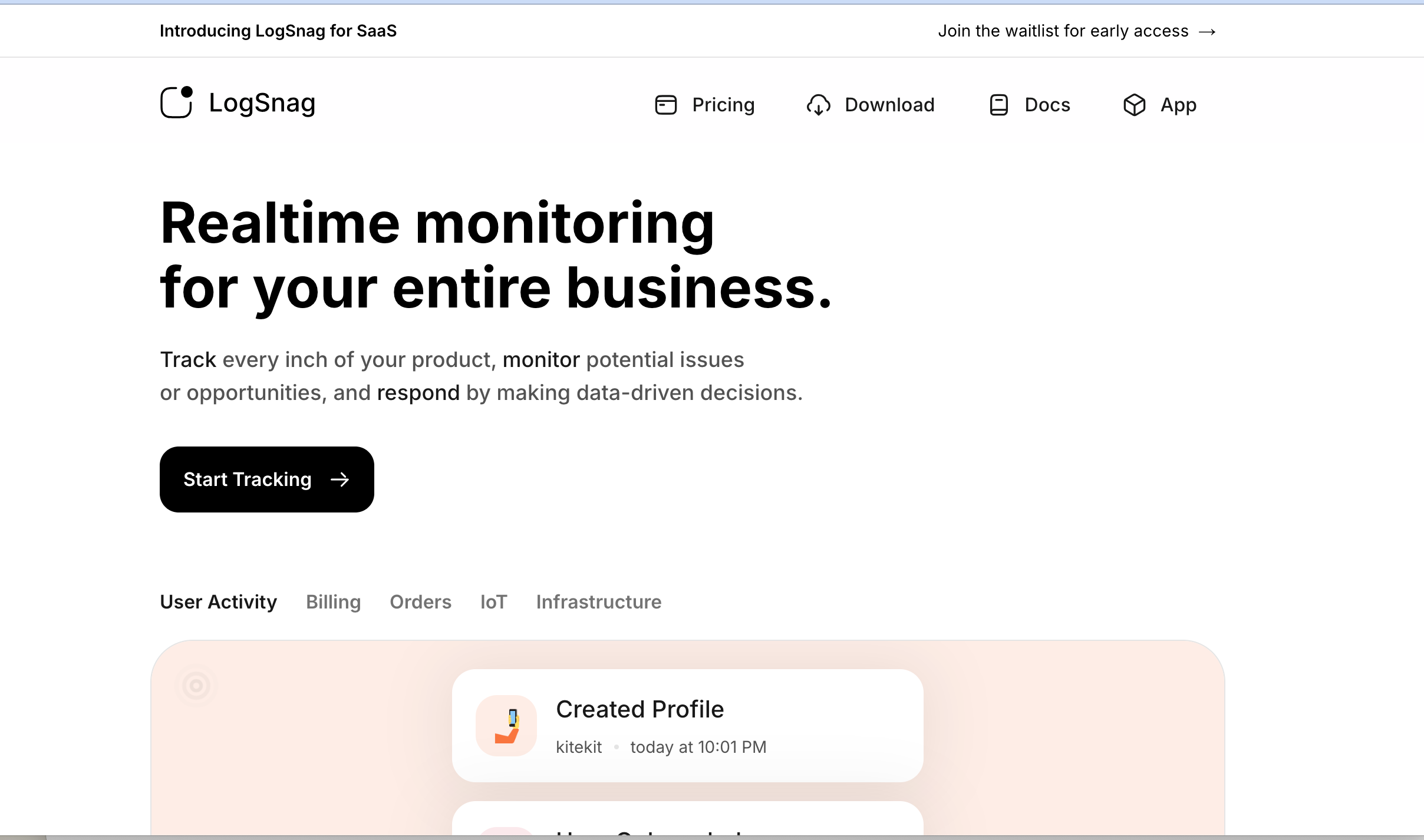
LogSnag brings everything to life in real time. It tracks key product events the moment they occur and displays them in a live feed that captures new sign-ups, purchases, and profile updates.
You can build quick dashboards, set alerts, and monitor critical moments as they happen. It’s ideal for creators who want instant awareness of what’s going on inside their app without adding unnecessary complexity.
Together, these tools give you a full spectrum of awareness:
Umami helps you see the bigger picture.
PostHog helps you make sense of behavior.
LogSnag helps you stay in the moment.
Once you can read these signals clearly, you’re not just building products — you’re refining them with precision and confidence.
Like I said, most CodeGen platforms already handle analytics and observability out of the box, so you might not need to reach for separate tools just yet.
Edge Functions
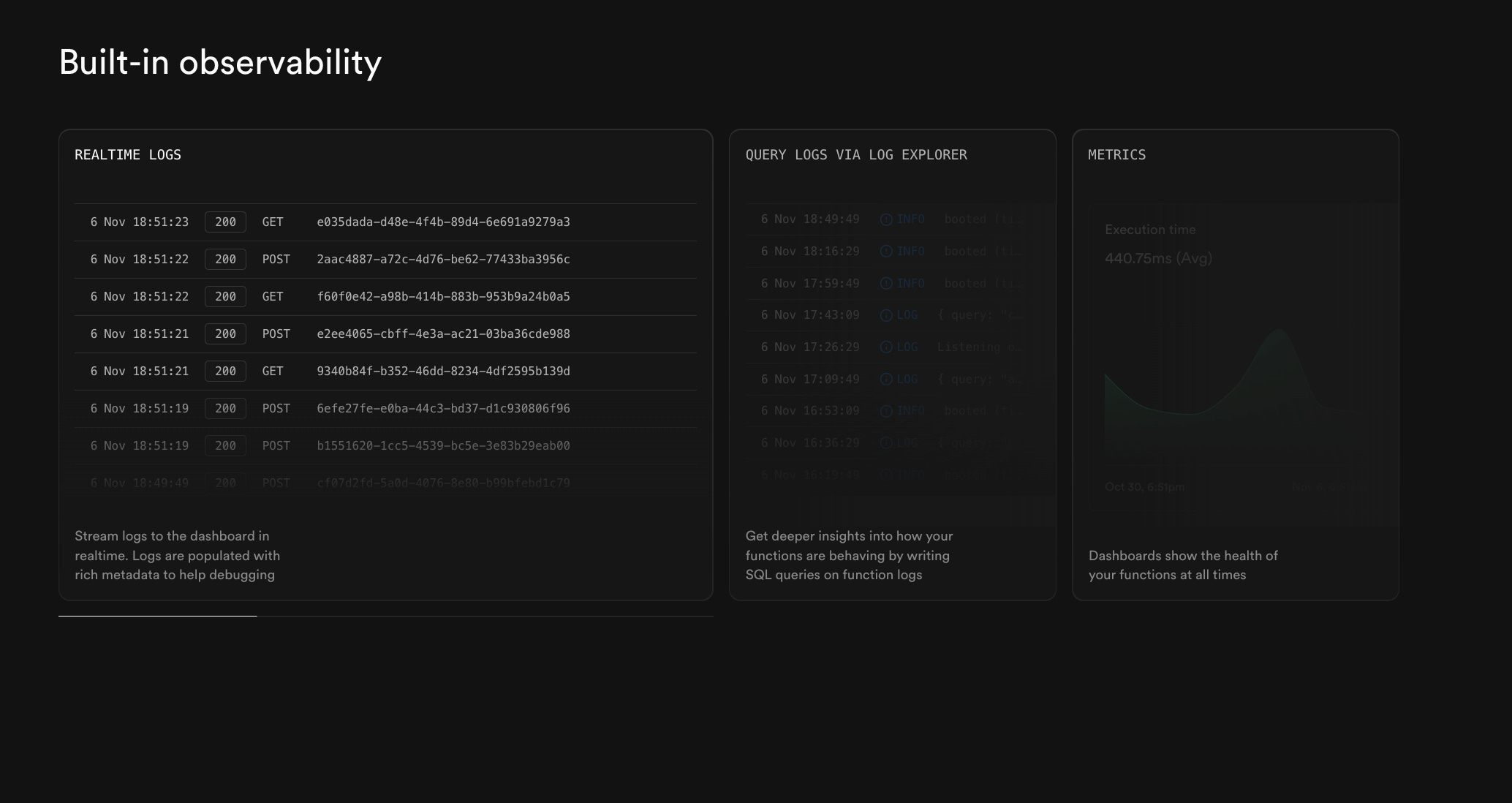
Edge Functions let your app handle business logic without worrying about servers or deployment. They run on servers distributed around the world, closer to your users, which keeps everything fast and efficient.
Supabase, the most widely adopted BaaS in the CodeGen ecosystem, makes this effortless. You can deploy an edge function globally, connect APIs, and monitor logs and metrics in real time — all from one dashboard. It’s flexible, scalable, and beginner-friendly for non-developers building with AI.
Supabase remains the easier and more supported choice among CodeGen platforms.
If your app’s interface is the face, Edge Functions are the heartbeat that powers what happens behind every user interaction.
GenAI Integration
Do I have to say it? It's all over the place these days.
GenAI integration enables you to integrate intelligence into your product in the form of inference and also handle the generation of text, audio, images, or videos across any part of the stack.
As you begin integrating some of the AI capabilities into your product, you’ll soon notice that most GenAI features rely on connecting multiple models for various tasks.
Managing those connections across separate accounts can quickly become tedious, which is why I recommend the use of unified APIs from platforms that provide various models in one place for seamless use.
No need to sign up separately for OpenAI, Anthropic, or Gemini when you can get unified access in one place.
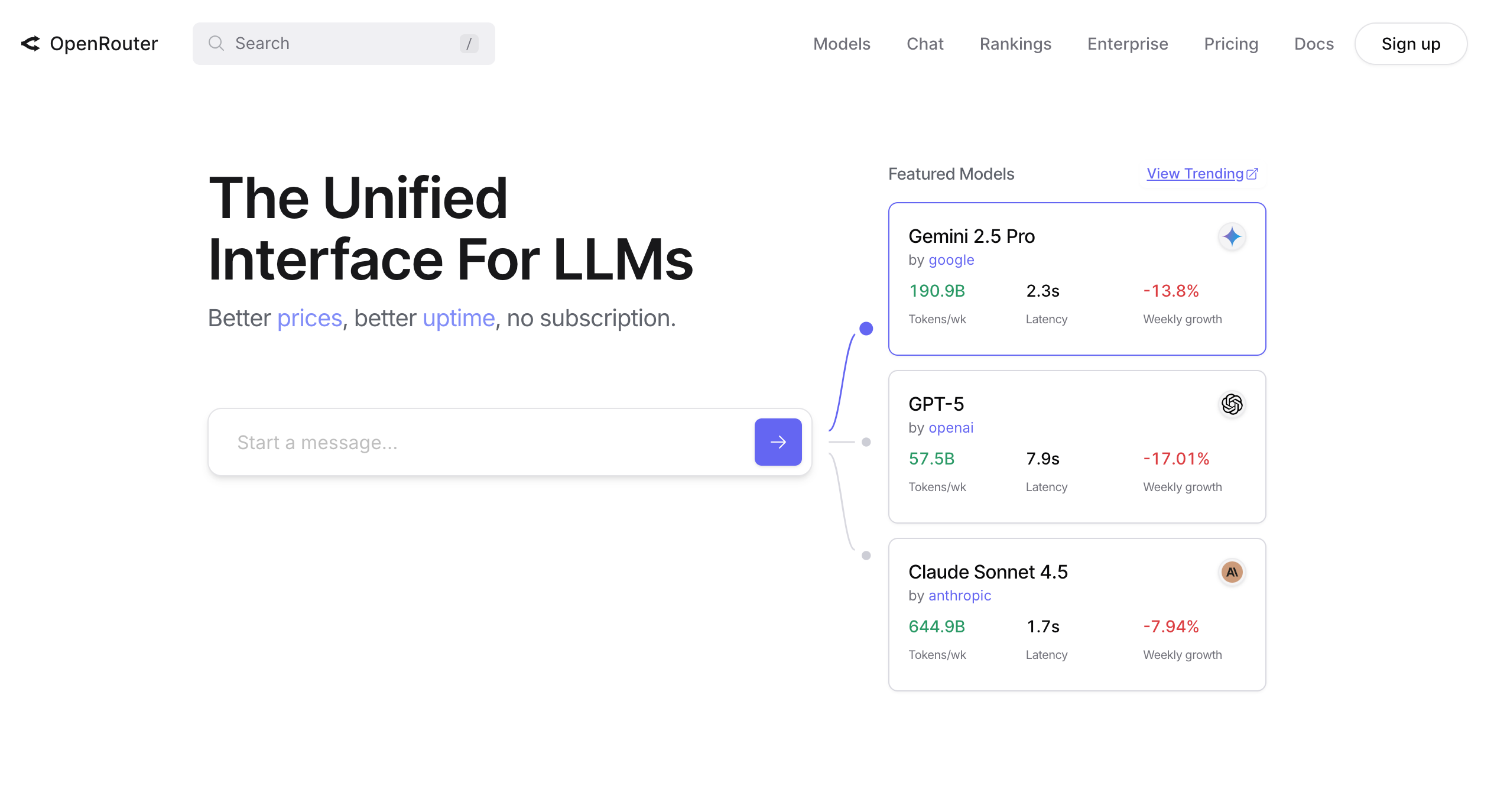
Platforms like OpenRouter serve as a single API hub, allowing you to switch between top models effortlessly, saving time and keeping your builds flexible.
Here are the main options worth knowing:
OpenRouter – Unified Access to Leading AI Models
A single gateway to multiple large language models from providers like OpenAI, Anthropic, and Google.
You get one API key for all, better uptime, and transparent pricing.
OpenRouter enables seamless switching between models like GPT-5, Claude Sonnet 4.5, and Gemini 2.5 Pro, utilizing a unified API that abstracts any model hosted on their servers.
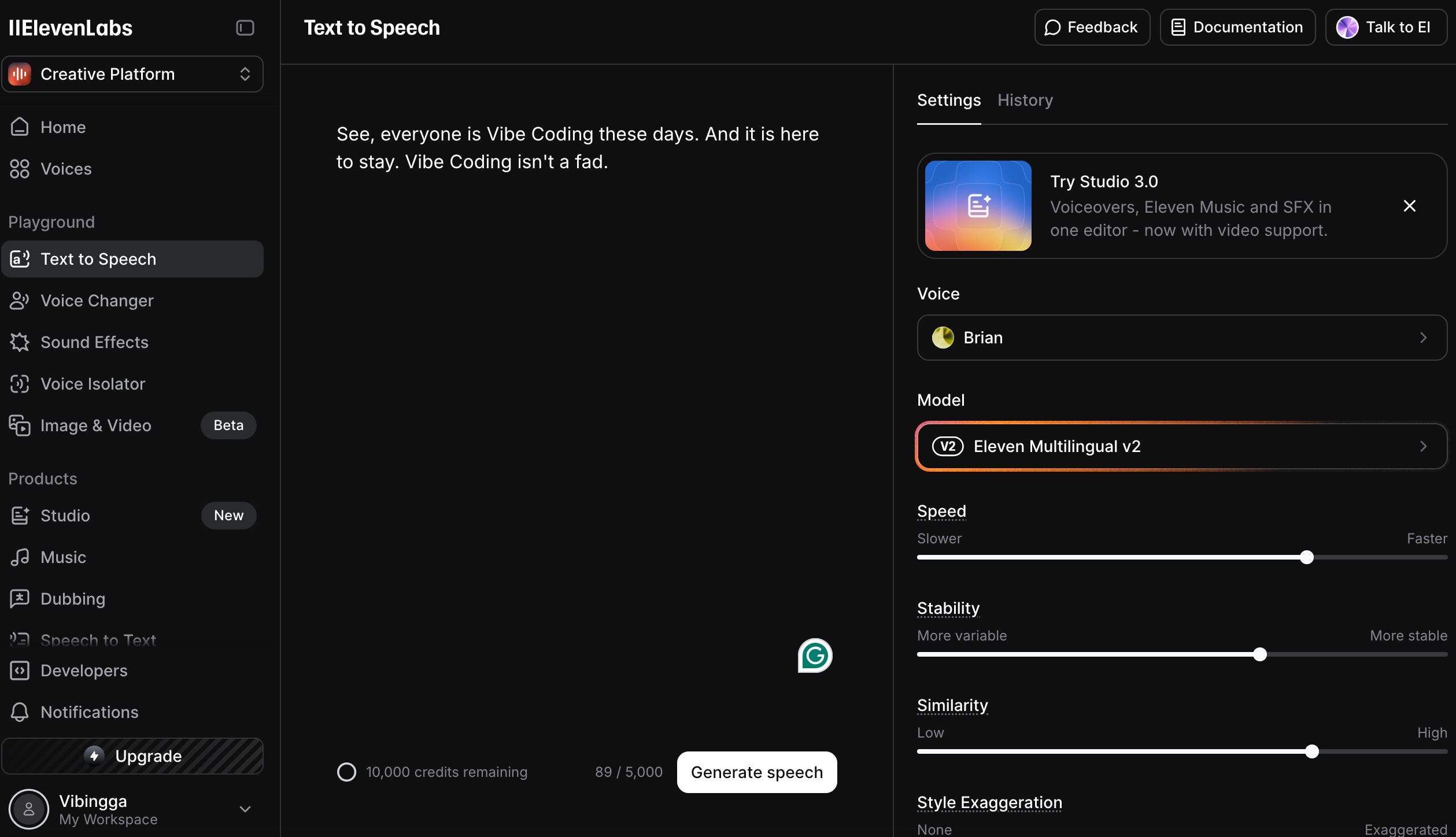
ElevenLabs – Audio and Voice Generation
Known for its realistic voice quality and easy onboarding.
ElevenLabs enables you to convert text into speech, create audiobooks, voiceovers, or conversational agents.
ElevenLabs provides an API that enables you to incorporate voice features into your app, allowing it to narrate text, transcribe speech into written form, and more.
Runway – Video and Image Generation
Provides API access to Runway’s advanced generative models like Gen-4 Turbo and Gen-4 Images.
You can turn an image into a video, generate media from prompts, or blend visual content directly inside your product.
The API is simple and developer-friendly, making video generation more accessible than ever.
fal.ai – The Generative Media Platform for Developers
Hosts one of the largest galleries of production-ready generative models for image, video, audio, and 3D.
Its suite includes fal model APIs, fal serverless (GPU on demand), and fal compute (scalable clusters).
You can build or fine-tune models like FLUX.1, Kling v2.5, and Wan 2.5, all from a single dashboard. But this is a story for another day or even a season for someone who is as non-techie as you are.

AIMLAPI (Honorary Mention)
Another unified access platform for AI models, similar to OpenRouter.
Together, these platforms form the intelligence layer that you would like to embed into your build, one that can write, speak, draw, and animate when the foundation beneath it is solid.
Once again, the CodeGen platforms are integrating GenAI into their unified dashboards, so you may not need to try to use any of the AI features from these platforms that serve as an interface between you and the foundation models.
However, as I mentioned before (I've lost count of saying that), you won't achieve the same nuances that can be achieved by managing your own API orchestration.
Security, Hosting, and the Unified Stack
By now, it is clear that modern CodeGen platforms now handle almost every technical layer that once required separate tools.
Database setup, analytics, authentication, payments, security audits, and even domain registration are all now live within a single unified dashboard.
Platforms like Lovable, Bolt, and Replit have turned what used to be a demanding process of signing up and configuring separate services into an integrated workspace where everything works together from the start.
Security and privacy checks happen automatically.
SSL, permissions, and vulnerability scans are handled behind the scenes.
Scaling, hosting, and deployment are no longer something you need to get your hands in — they’re simply built in.
Even GenAI integrations that once required custom APIs now come as ready-to-use features within the same environment, as we just saw in the section just above.
This is what makes today’s tools so powerful: the scaffolding we’ve been exploring — interface, data, logic, analytics, intelligence, and delivery — now converges inside a single ecosystem.
The invisible layers that once defined “software engineering” are still there, but they’ve been abstracted away for speed and clarity.
Understanding how these layers fit together remains important. That is why I decided to curate these platforms that handle the heavy lifting instead of simply guiding you to use the services within the CodeGen platforms.
It’s what separates a creator who just uses AI tools from one who builds with intention.
Once you can see what’s happening beneath the surface — what each layer does, even if you don’t touch it — you can build products with confidence and control, not just prompts and luck.
No amount of “please make it work” pleading will persuade the AI to make it work.
And that awareness is what defines Vibe Coding.
It’s a practice that’s slowly being diluted by reflexive prompting without grounding.
The more abstract the process becomes, the more vital it is to stay aware of the scaffolding beneath it, so you can “give in to the vibes” while still keeping your creative control.
You now have the full picture of the responsible path to Vibe Coding.
Getting Started Vibe Coding the Right Way

Building with AI — Vibe Coding — is one of the most exciting and fast-paced shifts powered by LLMs. It’s taking over the world of building digital products. Despite the skeptics, these models are getting better by the day.
The Starter Kit helped you learn to speak Dev.
Learn to Speak Dev Before Reaching for Vibe Coding Tools

Getting Started with Vibe Coding: A 4-Part Series (Non-Techies Edition)
The Prompt Kit taught you to think in Scaffolds with architectural awareness.
Think Like a Dev, Think in Scaffolds

Getting Started with Vibe Coding: A 4-Part Series (Non-Techies Edition)
And with this guide to the Tech Stack, you now understand what modern software is built on — the invisible layers that make it all work.
In the weeks ahead, we’ll move from theory to practice, embedding each of these layers into real projects, one step at a time.
Each abstraction deserves its own moment of focus.
Covering them all at once would take a book, so we’ll explore every integration through a series of hands-on guides.
Are you ready?
If so, I’ll get back to you next week with the first part of the Vibe Coding Practical Series.